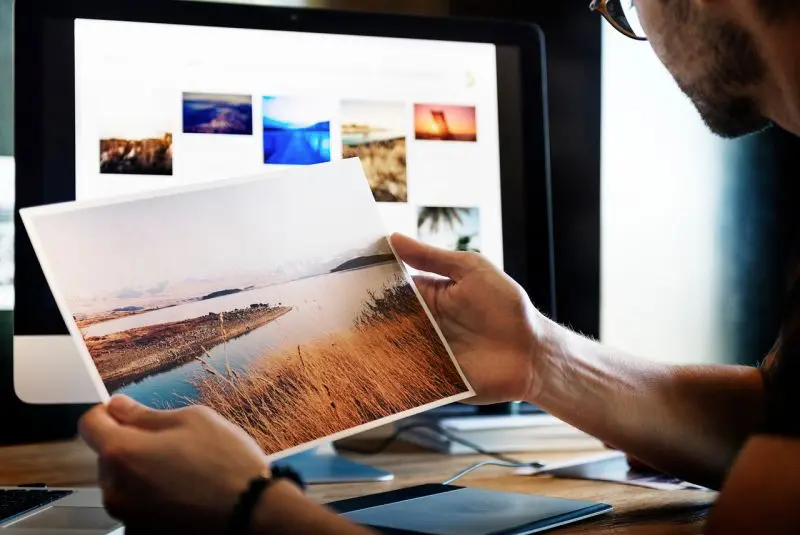
Printing a photograph is easy, just click the print button on the computer. However, when we look at the result, sometimes we get unpleasant surprises! Let's see how to print a photograph correctly!
We have all had a bitter surprise when we tried to print a photograph: the print obtained is different (sometimes very different) from what we see on the screen! Why? Whose fault is it? What can we do to get a correct print? The first fundamental thing we must keep in mind when we want to print a photograph is that a screen and a printer process an image in completely different ways.
The computer screen It emits light that is colored by calibrating the emission of three phosphors (red, green, blue – RGB) in order to obtain all possible colors. A printer, on the other hand, mixes different colors on paper and what we see is the result of how that mixture of colors reflects the incident light.
This means that what we see on the screen will always be different from what is printed. What we need to achieve, therefore, is that what we print comes as close as possible to what is displayed on the screen.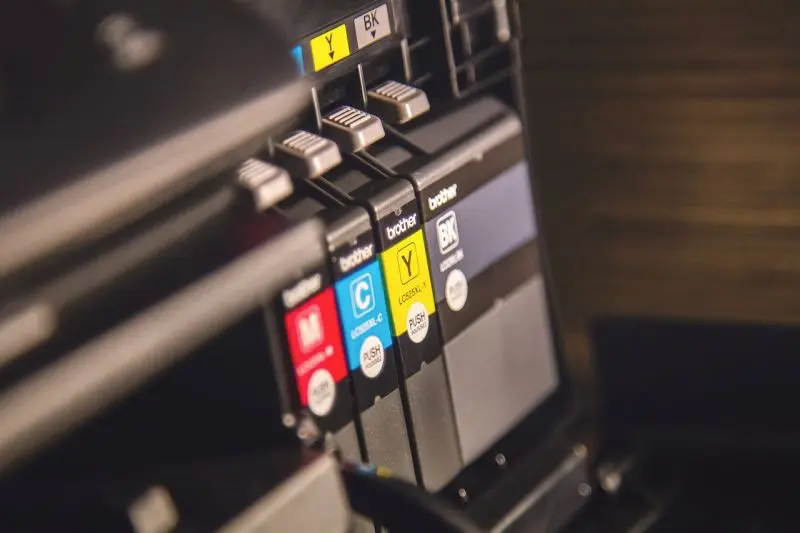
The things we need to check right away are:
- screen settings
- whether our printer can print photographs (photo printer)
- whether inks, toner, paper, etc., are suitable for photo printing
- whether the image resolution is correct (has the image been prepared for printing?)
- whether we have subjected the image to post-production that has altered the colors
\t
\t
\t
\t
\t
By setting our monitor correctly, matching the right printer with the correct inks and paper, and preparing the image in the most suitable way for printing, we can achieve that the printed photograph closely matches the image on the screen.
Image resolution and processing
Almost all images look good on screen. However, screens generally have a resolution of 72dpi, a resolution that is absolutely insufficient for printing. For a quality print resolutions of at least 300dpi. For a print of a photograph sized 10x15cm (approximately 4x6”), it is therefore necessary that our image is at least 1200x1800 pixels!
To know if your image dimensions are suitable for printing at a certain size, you can apply this simple rule:
Some inkjet printers have resolutions around 150dpi. This produces a grainy image, which can still look nice especially if we print in black and white.
To have full control over image processing, I recommend that you shoot in RAW so as to always obtain a “raw” image file not pre-processed by the camera, with many more details compared to, for example, a JPEG and more flexible for subsequent editing. The downside is that a RAW file takes up a lot of space, so use a large memory card.
However, be light with post-processing work on the image. Overly aggressive editing is one of the main causes of unsatisfactory prints.
Monitor
To best calibrate the monitor there are devices that allow you to easily adjust colors. It is also possible to use the printer’s control panel to calibrate it with the monitor using basic adjustments to ensure that prints closely match the images on the screen.
Printer
If you want to print photographs seriously, then you must invest in a quality photo printer. You can post-process the image correctly, you can perfectly calibrate the monitor, but if the printer is low quality, you won’t be able to work miracles.
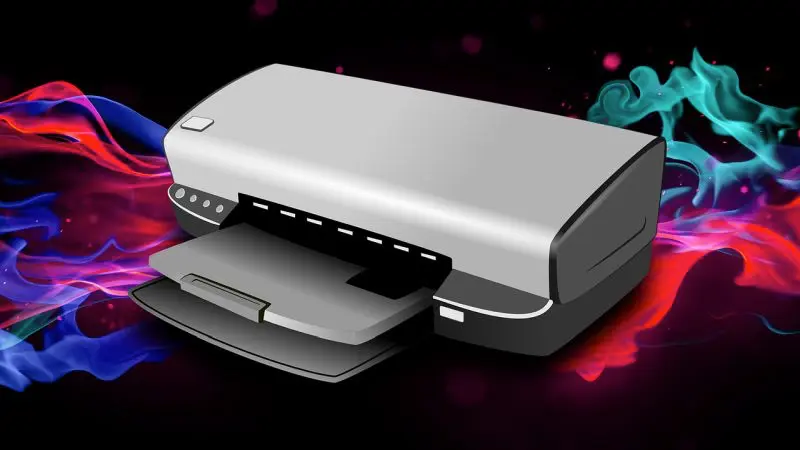
Photo paper
Paper can be glossy, matte, or semi-glossy. There is no inherently right paper; it depends on what you are printing and, above all, the effect you want to achieve. In this case, the right thing to do is to experiment!
Another reason why the paper must be of quality is that in many printers the white is produced by the paper itself, thus avoiding depositing pigments. If the paper's white is not a proper white, you might further highlight the differences between print and screen.
If all this is too difficult or you fear not achieving the results you want, then turn to a photo lab. The staff will know how to get the best out of your images.
Finally, why print a photograph when everything is moving towards digital nowadays?
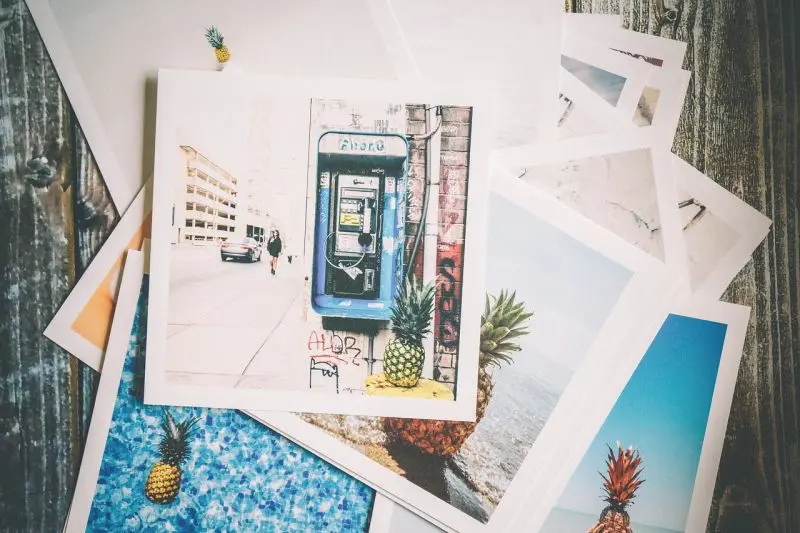
Printing allows you to observe small details that can be easily overlooked when viewing the image on a monitor. Also, in my opinion, there is the same difference between reading a paper book and an electronic book.
You can carry dozens or hundreds of e-books on one device, but the pleasure of feeling and flipping through the pages of a paper book is something a cold screen will never provide! (Although, when traveling, the convenience of an e-book reader remains unbeatable!).
If you want to see on Amazon:
- monitor calibration device (here)
- photo printer (here)
- photo paper (here)
\t
\t
\t