
Are you looking for some photographic experiments that can awaken your creativity and you don’t want to spend a fortune buying gear or equipment? If the answer is YES, you’ve come to the right article.
You will just need to have on hand a roll of aluminum foil (the kind you use in the kitchen) and some colored gels for your flash. Thanks to this simple tutorial, we will see how to create a bokeh effect colored effect just the way you like it.
You will need a little practice but in a short time you will be able to achieve great results and really interesting photographs. Let's get started...
What is the bokeh effect?
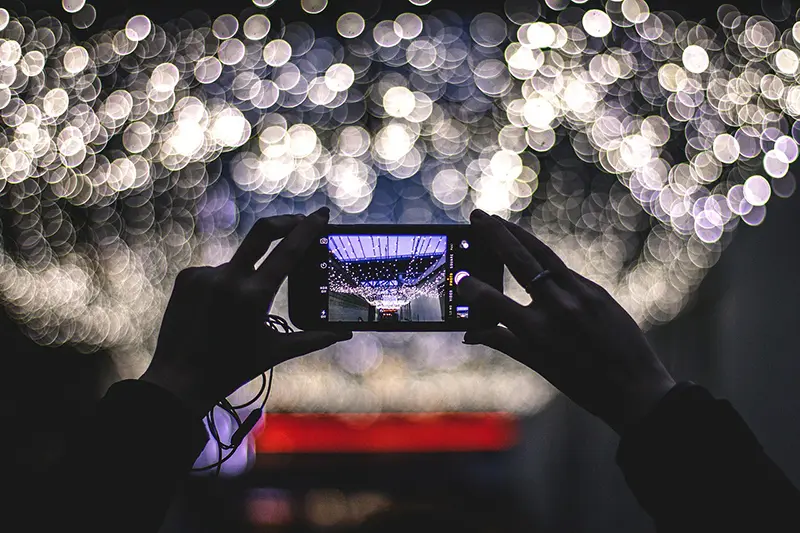
Bokeh from Japanese 暈け or ボケ: means “blur”. The Bokeh effect is perhaps one of the most used by photographers, especially in portrait shooting. Simply put, it consists of keeping only the subject of the photograph in focus while blurring as much as possible everything else, until it becomes indistinguishable. In this way, the viewer's attention is completely focused on the subject captured.
I found this fun video on YouTube by the user LGS PHOTO who will explain how to achieve this simple bokeh effect in a short time. What you will need:
- Obviously a camera
- A lens with a wide aperture
- 1 or 2 external flashes with trigger
- colored gels to apply to the flashes
- a roll of kitchen aluminum foil
First of all, you will need to crumple pieces of sheets of aluminum foil then stick them to a wall in the background, place your object on a table so that the aluminum sheets are exactly behind it in the background. Now put the colored gels on the flash (or put nothing on it to create white sparkles) and position it under the table so that its light hits the aluminum sheets.
Use a continuous light or a second flash to illuminate the object on the table and, after placing the camera on the tripod, open the aperture as wide as possible and start shooting. Adjust the lights gradually to achieve the desired bokeh effect. It will take some time but you will definitely have fun.
Now I'll let you watch the video tutorial which is much easier to explain; the video on how to create a bokeh effect is in English but don't worry. Just watch the images to understand what to do. Have fun.