What HDR Means and How to Create an HDR Photo
The HDR photography (High Dynamic Range) is a technique that is increasingly popular that allows you to create images with a wide dynamic range, capturing lighting levels much higher and lower than what is possible with a traditional shot. If you don't know where to start with HDR photography, this article will guide you step by step through the process to create stunning images.
Before starting, let's take a look at what HDR means. HDR stands for High Dynamic Range, which in Italian means "wide dynamic range." This technique allows creating images with a brightness range much wider than what can be captured with a normal shot.
The human eye can perceive a maximum contrast of about 16384:1, which means we can distinguish a maximum brightness value up to 16,384 times higher than the lowest perceived value. However, cameras have thetechnical limitations that make them less capable of capturing this wide dynamic range.
To obtain an HDR photograph, it is necessary to combine several photos taken at different exposure values. Typically, at least three shots are used as follows:
- One photo with correct exposure, similar to a traditional shot.
- One overexposed photo by half a stop or more.
- One underexposed photo by half a stop or more.
For example, if we wanted to create an HDR photo, we should take a sequence of five photos: one with correct exposure, one overexposed by one stop, one overexposed by two stops, one underexposed by one stop, and one underexposed by two stops. Once these photos are taken, you will need to use a editing software such as Adobe Photoshop to combine the images and achieve the HDR effect.
To create HDR photos, you will need the following tools:
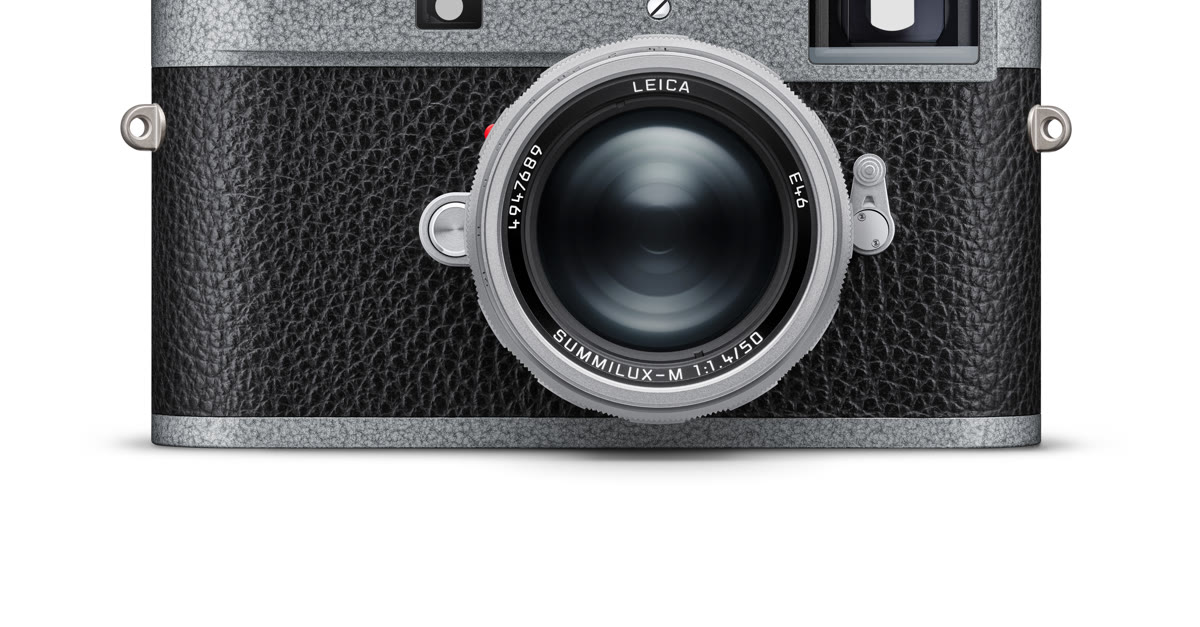
- A camera with manual mode or exposure compensation function or auto exposure bracketing.
- A tripod to keep the camera stable during the sequence of shots.
- Software for creating HDR images, such as Photoshop or other programs specifically for HDR.
Some latest-generation cameras feature auto exposure bracketing, which automatically generates a sequence of shots at different exposure values. If your camera does not have this function, you can manually set the exposure for each shot you intend to take.
HDR photography is a powerful technique that offers endless creative opportunities for digital photographers. By using sequences of shots with different exposures and dedicated editing software, you can create spectacular and evocative images.