 If you are photographers or users of the Adobe suite which includes Photoshop and Lightroom and you want to update your MAC to the latest iOS Catalina, wait before doing it if you don't want to end up having major problems with the software.
Adobe has officially confirmed on its website compatibility issues between some of its software (Photoshop and Lightroom in particular) with the new macOS Catalina, advising users to wait before upgrading the operating system.
In particular, this incompatibility is due to the fact that these software still use several components and plugins at 32-bit which are no longer supported by Cupertino's operating system.
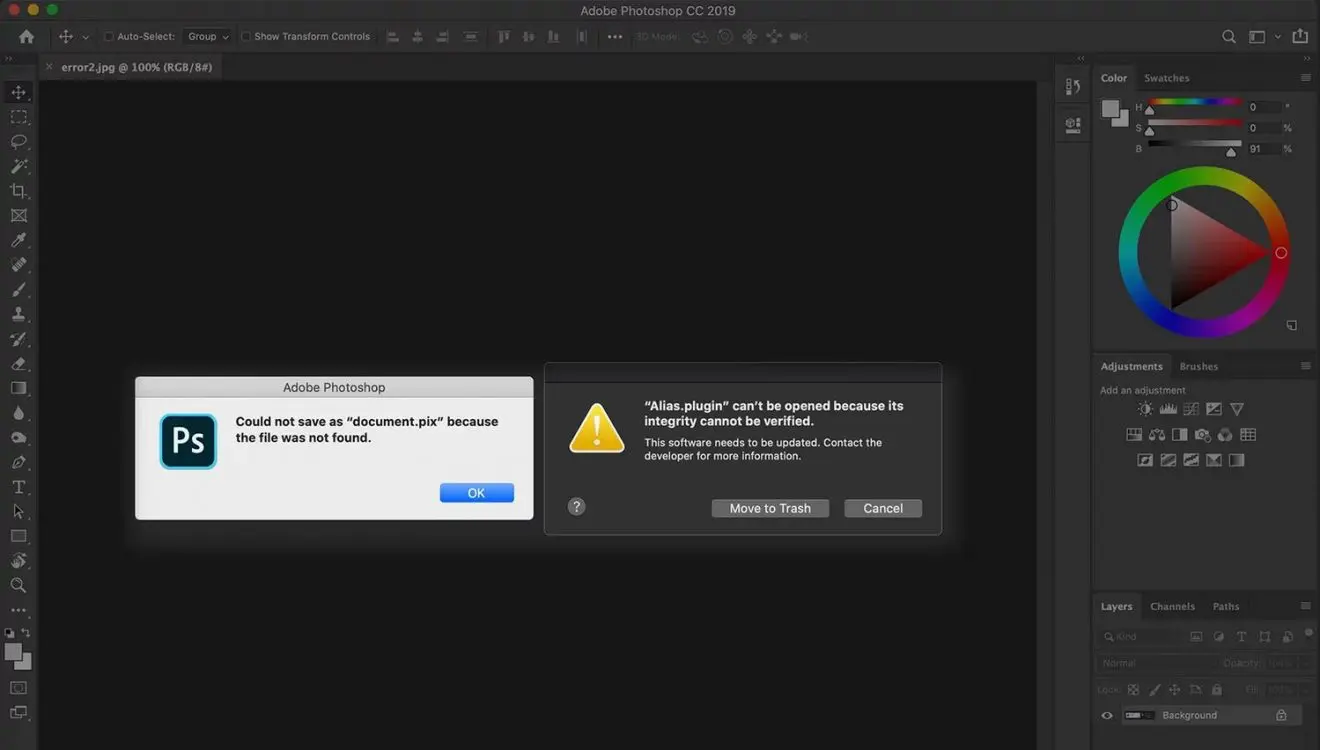
Below are the main issues encountered with the new Catalina operating system:
Lightroom
- Lens Profile Creator does not work
- The tethering mode “is unable to detect and capture photos from Nikon cameras“.
\t
\t
Photoshop
- Changing the file format does not change the file extension when saving an image
- Unable to find plug-ins downloaded from the Web or installed via drag and drop
- Some 32-bit elements created with previous versions of Photoshop will not work
- ExtendScript Toolkit and Lens Profile Creator will not work
\t
\t
\t
\t