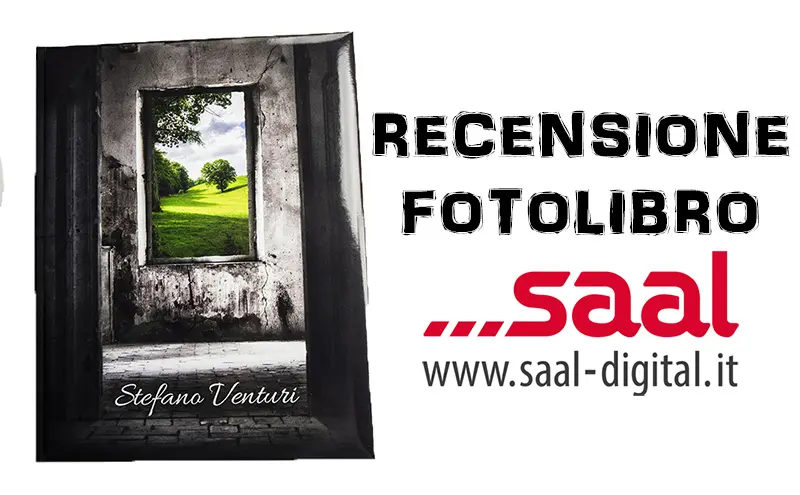
Raise your hand if you print the digital photos that you produce every day with any device! Exactly, there are very few of us. With the advent of digital, we are busy spending most of our time taking photos with smartphones, tablets, and DSLRs only to leave the digital files on our PC because "we can view them anytime we want from the computer."
It would be nice to be able to dedicate time to selecting and printing on paper our favorite photos, the shots that remind us of something and that move us every time we look at them and touch them. Yes, we touch them, because it’s nice to have a photograph printed on paper or in a beautiful photo book to flip through with friends and family.
Fortunately, today there are several printing agencies that offer products of very high quality at relatively low costs. Recently I was contacted by Saal Digital, a large and important company that produces digital prints, who offered me to test some of their products and in particular their photo book, one of the best-selling and most desired items by photographers and beyond. I want to clarify that the review review was not influenced and is sincere! I take full responsibility for what is written below.
Saal Digital does not only deal with printing photo books but also offers the classic photo prints in various formats, photo notebooks, posters, postcards, calendars, cards, and gift items. In this article, however, I want to talk to you about the photo book; I’ll just give you a heads-up that SAAL digital has reserved for all Photoblog visitors a 20 EURO DISCOUNT VOUCHER (details at the bottom of the article)
Usually when I print a photo book I always have a project as the basis for everything. In this case, not having any ongoing photographic projects and wanting to fully test the quality of the photo book, I decided to take some of my best photographs ranging from black and white to saturated colors, from landscape photography to macro. I was curious to understand the rendering of the photographs in every different situation and I’ll tell you that the result was astonishing!
The photo book design is truly simple and is suitable both for professionals and beginners who have never printed a photo book.
Professionals (or post-production experts) have the option to download Photoshop and InDesign templates from the official website to work offline on their own PC and then upload a PDF file with the entire book to be printed. In this case, color profiles can also be downloaded to ensure complete color fidelity from the PC to the final print.
For beginners or simply for those who want to do it faster, Saal digital has a dedicated software that allows you to lay out the photo book quickly and easily. This is the route I took. Even though I know Photoshop very well, I wanted to thoroughly test Saal's services and preferred to use their software.
As soon as you open it, the software asks what you want to print. Among the various options are: photos, photo books, photo canvases, cards, posters, calendars, or gift items. I chose to try the photo book and was presented with this screen asking what type of photo book I want to print. 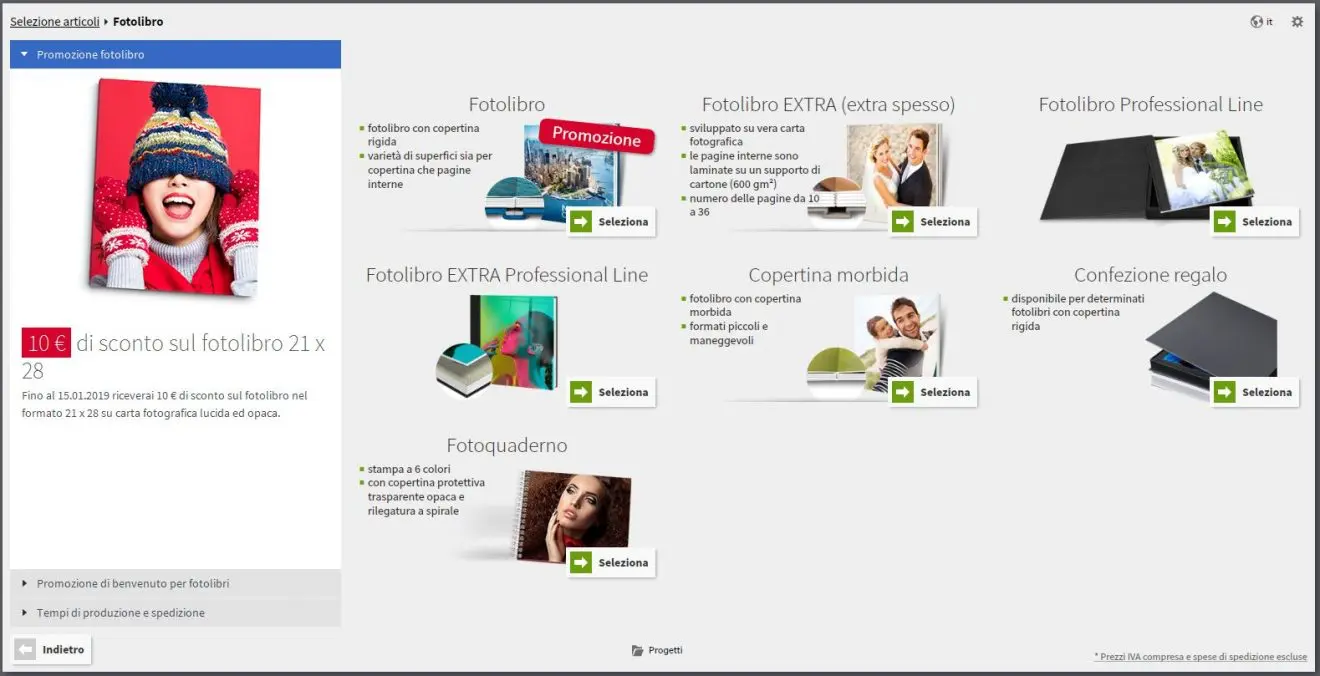
As you can see, the options are varied. I tried the classic photo book, the first in the selection menu. After that, the next menu that appears concerns the format of the photo book. You can choose horizontal, vertical, or square, large or small. The prices you see are "starting from" because it depends on how many pages you will print.
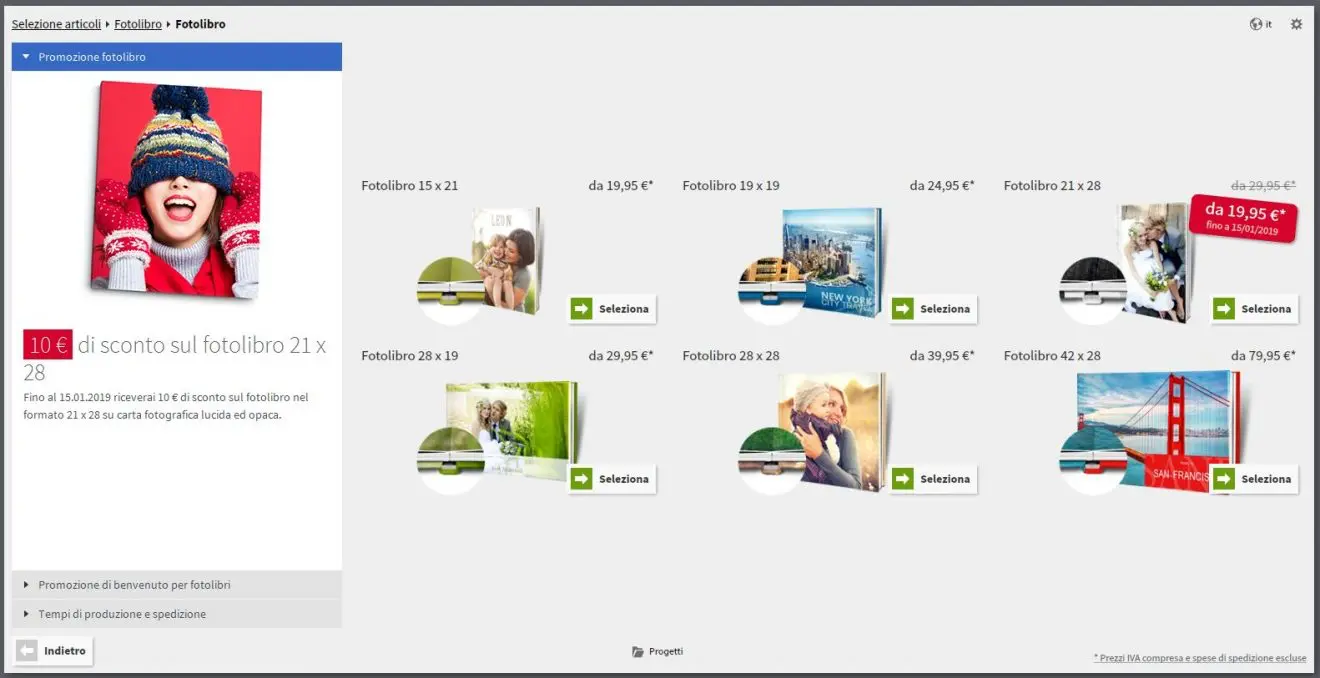
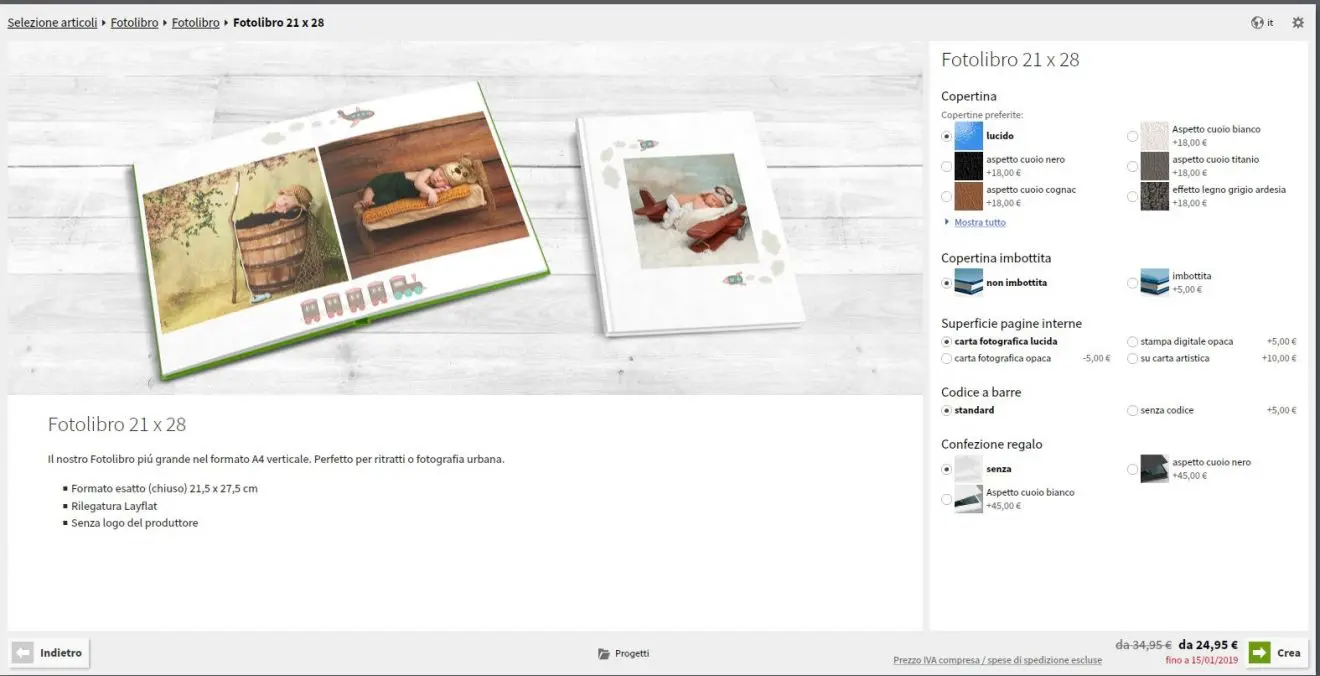
For my photo book, I chose the classic vertical A4 format. Moving forward, the software will present you with a series of options to choose from with the related additional costs. You can choose the cover style, whether to make it padded or regular, select the type of paper for the inner pages, and decide whether or not to have gift packaging. Finally, Saal charges 5 euros to optionally remove the barcode which would otherwise be placed on the last page in a minimally invasive way.
This is the screen that appears with the options. I chose: glossy padded cover, inner pages on glossy photo paper, no gift packaging, and no barcode.
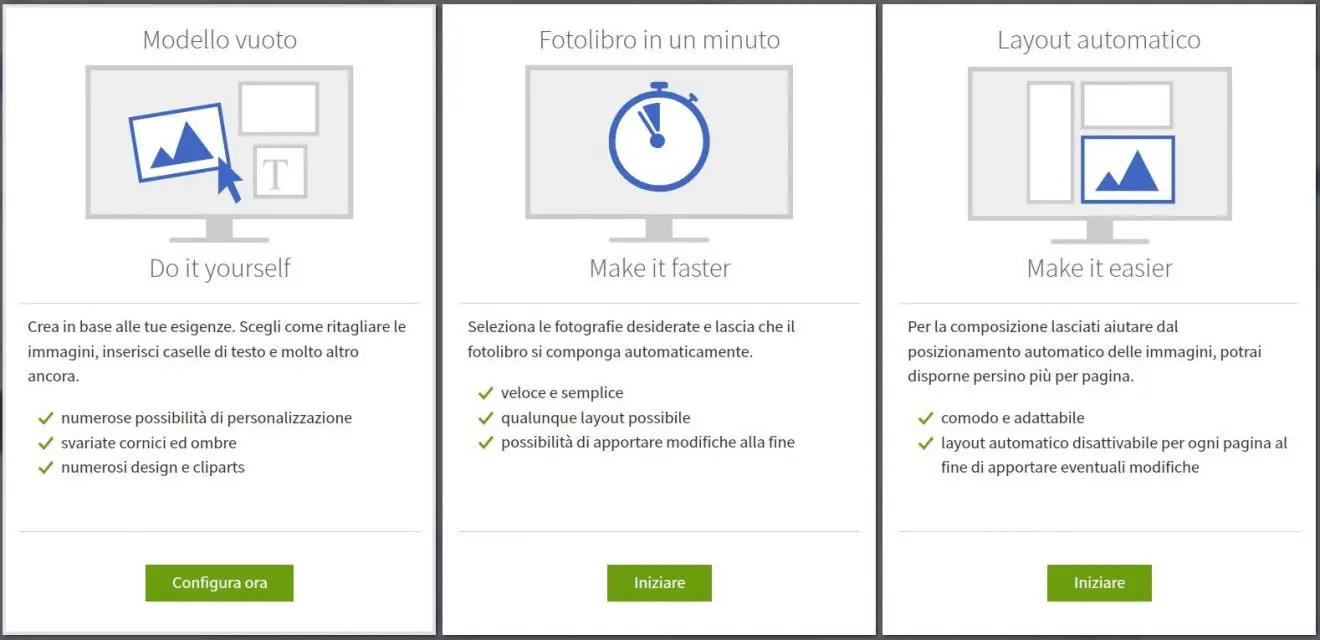
By clicking the create button, the software will ask what type of layout you want to do (see photo below). I do not recommend the "photo book in 1 minute" mode because the software will automatically lay out your photos. You can modify them at the end, but the order is chosen by the software, so I strongly advise against it.
I preferred to have TOTAL control over the layout and chose the "blank template" mode.
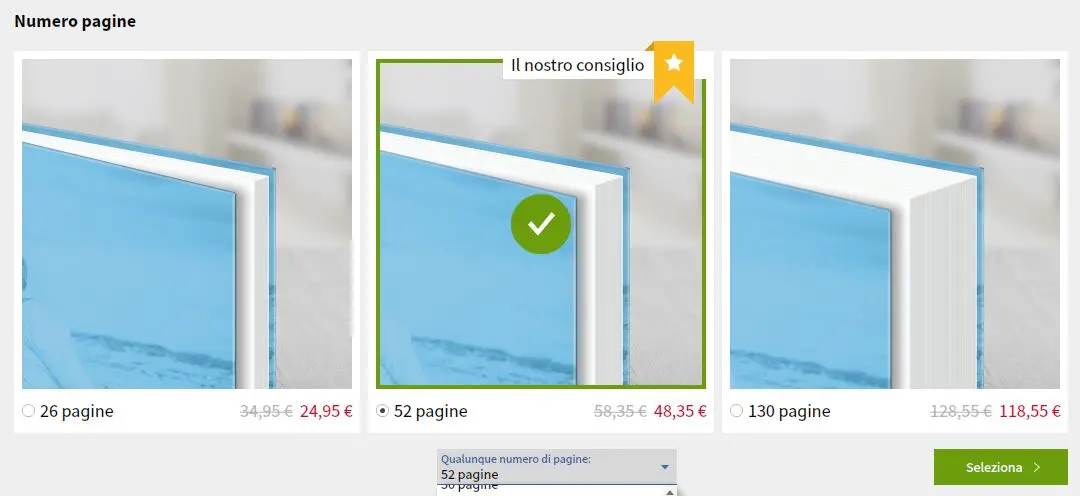
In the final step, the software will ask how many pages your Saal photo book will have. If you have no idea how many pages you need, don't worry; you can later remove or add pages (up to a maximum and minimum limit).
Once you have chosen how many pages your photo book will have, a screen like the one below will appear where in the center of the monitor you will see the photo book to fill, and on the left, the folders of your hard drive from which to select images.
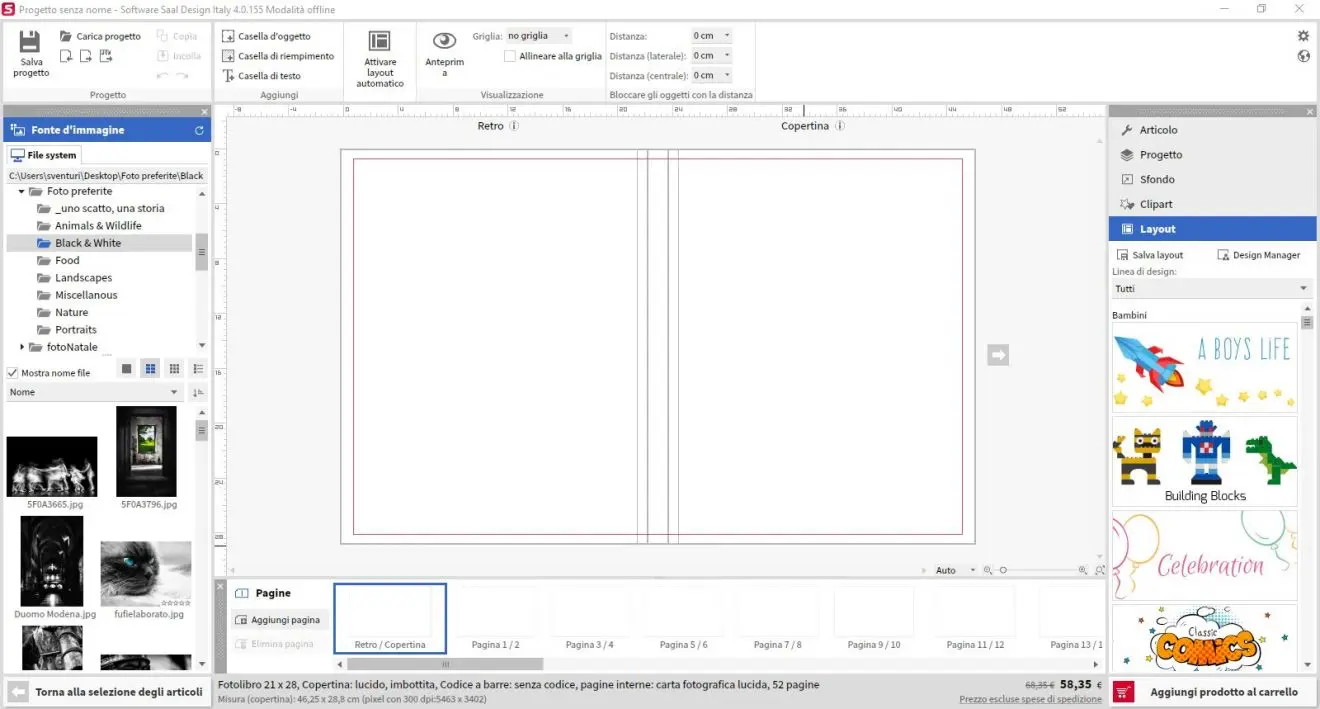
Now all you have to do is drag the images into the empty pages of the book and resize them as you like. You will have the option to print a horizontal image across 2 pages (if you want), as I will show you later, the result is stunning and the binding in the middle of the book is almost invisible. The panoramic effect is wonderful!
There is also the possibility to add text anywhere you find appropriate. In short, you will have total flexibility. This software is really intuitive and fast to use. At the end of laying out all 46 pages, my project looked like this:
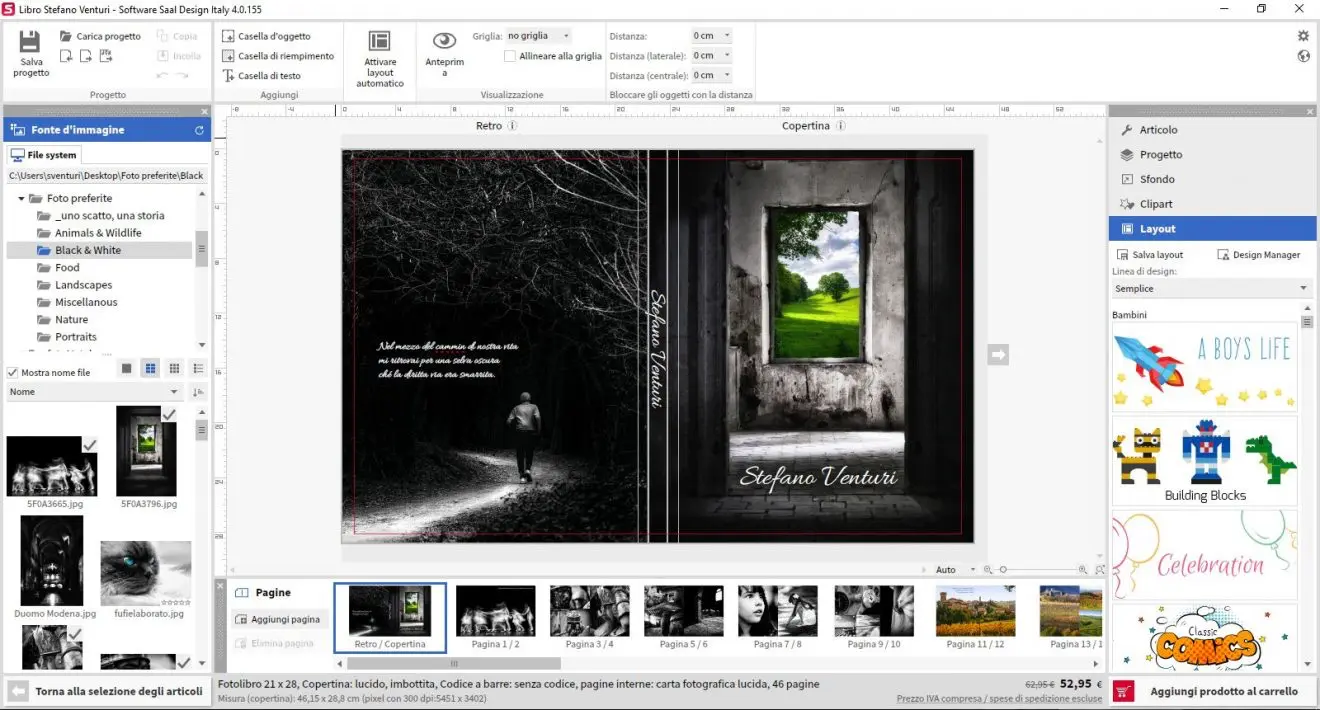
At this point, just add the product to the cart, enter the shipping details, and pay with credit card or PayPal. I remind you that at this stage you can enter the discount code reserved for photoblog visitors (details at the bottom of the article).
I sent my photo book to print on a Monday afternoon (among other things during the Christmas holidays) and it was delivered to my home on Friday afternoon, 4 days later, wonderful!!!! The photo book arrived well protected in a plastic bag and wrapped in thick cardboard to prevent shocks, it took me 5 minutes to open the package but that's perfectly fine! Want to see it? Here it is:
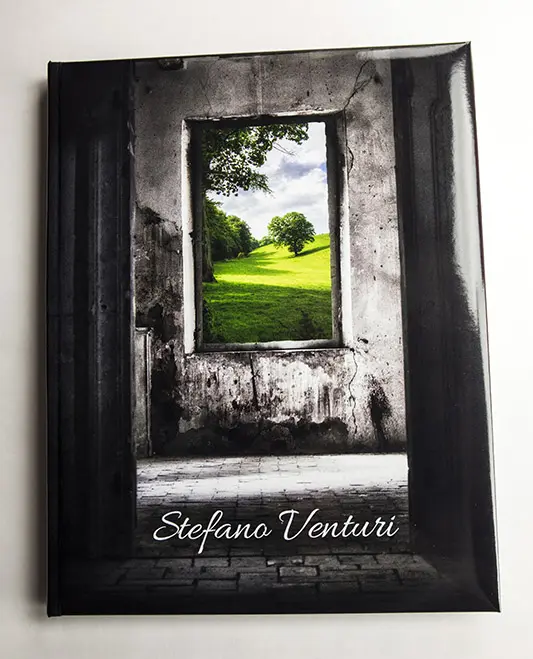
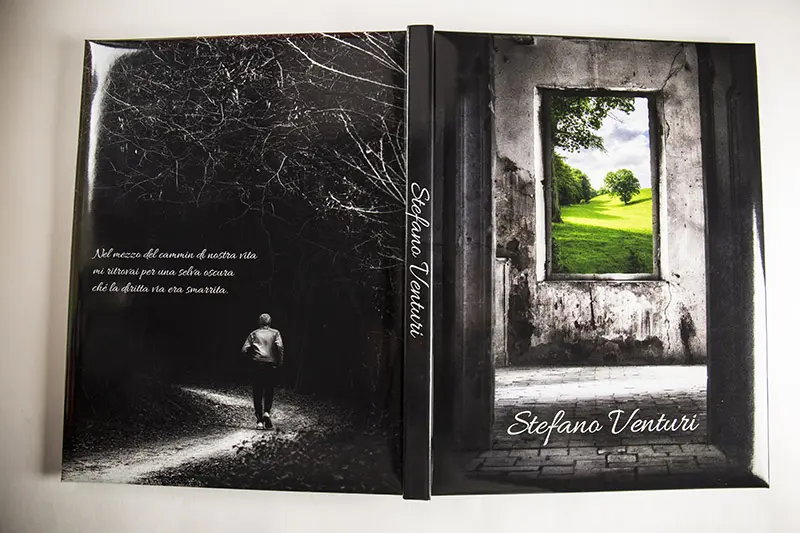
My first impression? FANTASTIC!!! As soon as I picked it up, I immediately noticed the padded and glossy cover. It feels pleasant to the touch, nicely thick and durable. The page binding is spectacular. The book stays open without forcing it, and you can enjoy the two-page images as if they were paintings without noticing the divide between the two pages.
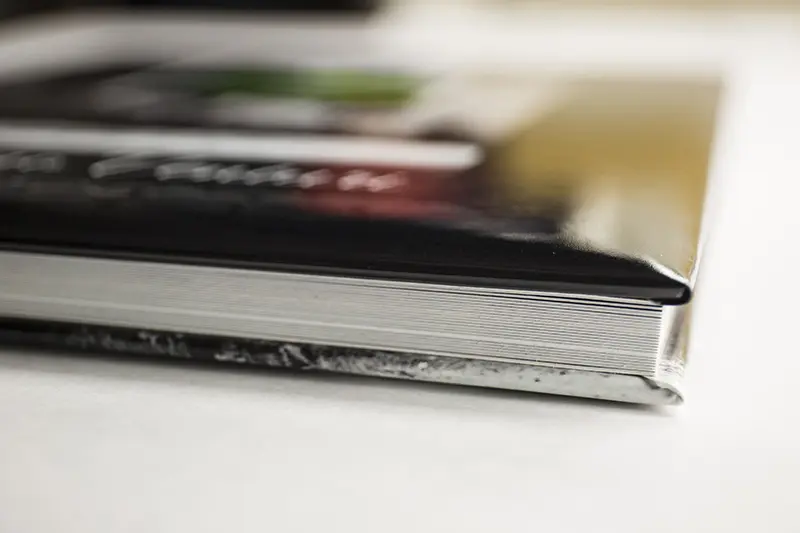
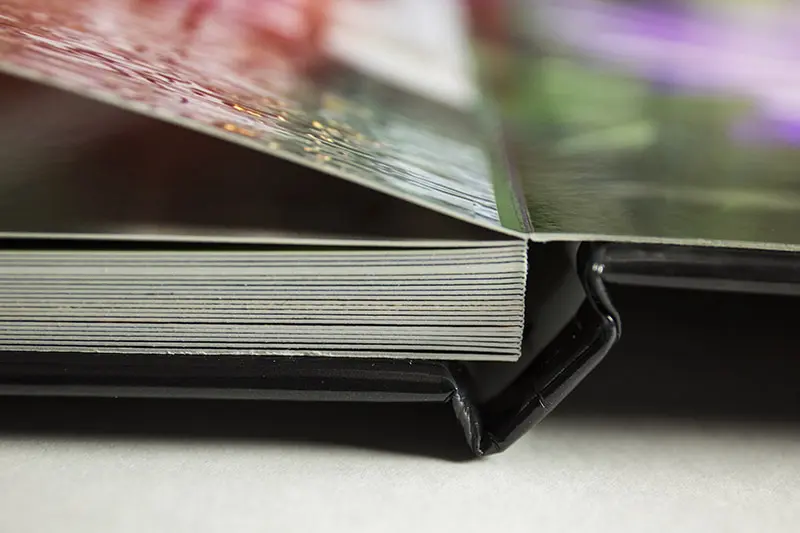
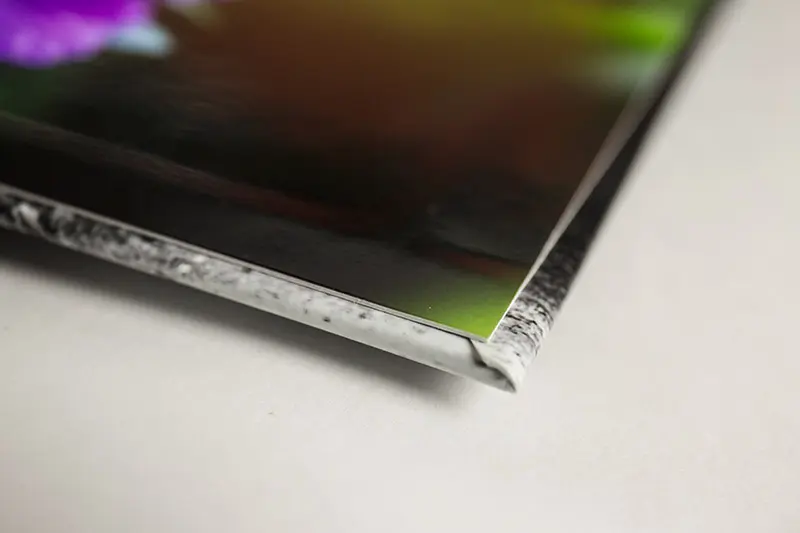
The paper quality is extremely high, the pages are nicely stiff and even after flipping through them dozens of times, they show no sign of bending or wear.
Having chosen glossy photo paper, the effect is almost mirror-like, very pleasant but you have to be careful with reflections from chandeliers or external lights as they can interfere with viewing the photos. Another issue with glossy paper is that it attracts dozens of "fingerprints," but the quality of this paper allowed me to "clean" the pages with a simple cloth (without liquids) without damaging the print.
Next time I will try matte paper just to have a point of comparison. However, I quite like the glossy effect.
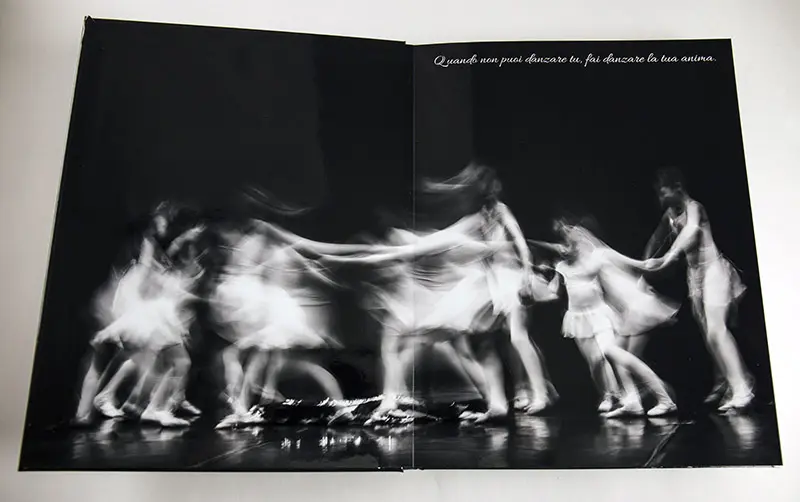
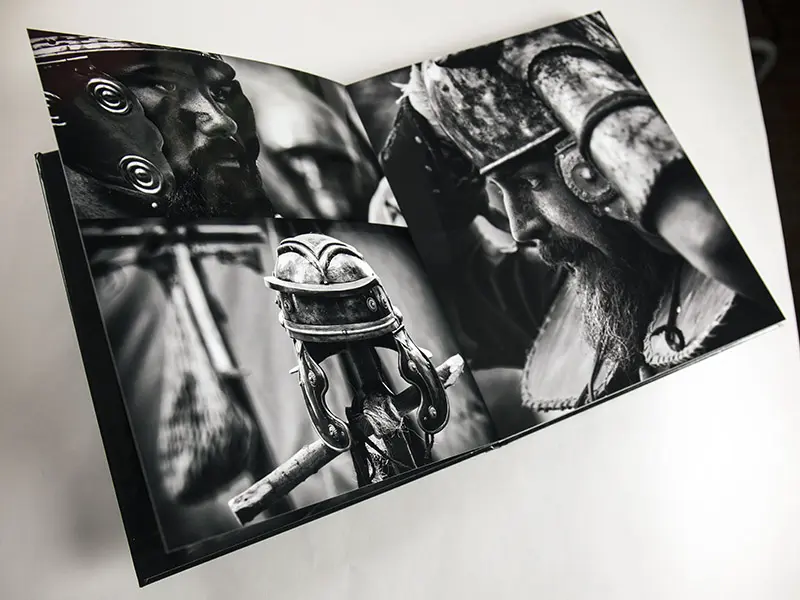
The blacks are nice and deep just the way I like them! The photo book starts with a section of 5-6 pages entirely dedicated to monochrome photos and the result is extraordinary.
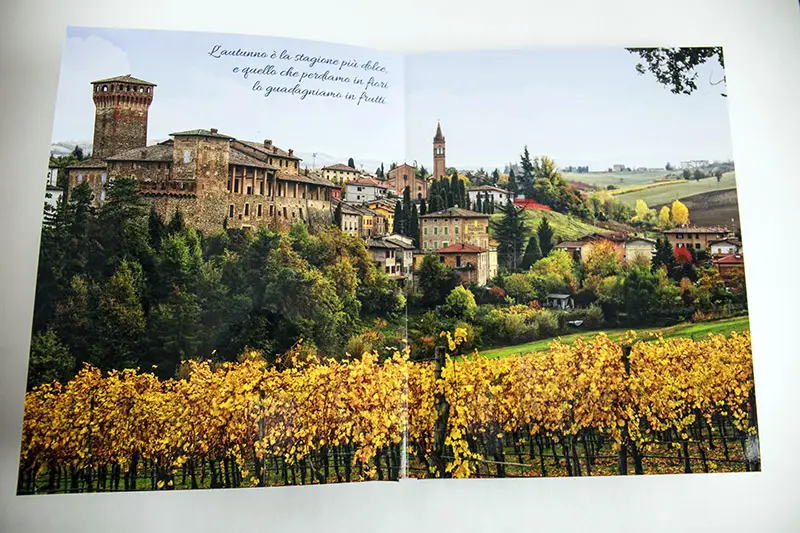
Moving on to the colors, I was even more satisfied. I have dozens and dozens of photos printed in autumn, the best season to enhance colors. This photograph of the Levizzano castle (MO) looks like it came out of an animated painting. The colors are TRUE TO LIFE to those on my laptop and the print came out really well! (The open book measures 42x28)
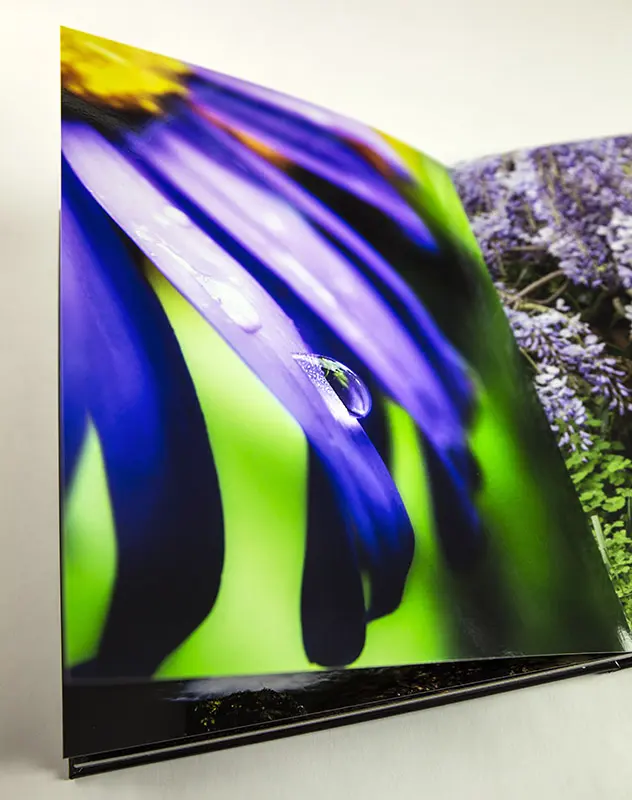
The last section of the photo book I dedicated to macro photography, I was curious to see if the print SAAL faithfully reproduced all the tiny details found in the photography of tiny objects. Even here, I can only be happy with the result obtained.
CONCLUSIONS
The photos we take every day remain "gathering dust" on our hard drives for years. These photos are the memories of our lives, emotions and feelings that should be printed to always have them available in our library.
A photo book is a beautiful object that gathers all this and I highly recommend it to you. Saal Digital was a pleasant discovery for me!
The wide choice of materials, the extremely intuitive software, the service received, the speed of shipping, and of course the quality of the prints have extremely satisfied me.
Saal Digital has reserved a discount voucher worth 20 EURO for all visitors and followers of the Photoblog. You just need to enter the discount code SAALVENTURI before making the payment to be entitled to the discount. However, pay attention to these conditions:
DISCOUNT CODE: SAALVENTURI
- The code has a value of €20.00
- The code is valid only for purchases over €39.95
- The code is valid on all products in the Saal Digital store
- The code must be written entirely in uppercase
- The code can be used only once
- The code expires on 30.05.2019
- The code cannot be combined with other promotions
- The code is valid only for new customers
\t
\t
\t
\t
\t
\t
\t
\t
For any doubts or clarifications, feel free to write to me.