How to Simulate Long Exposures Without an ND Filter: Photography Tips
In landscape photography, long exposures with the aid of an ND filter are widely used to create special effects, especially on water and clouds. These filters reduce the intensity of light, allowing photographers to extend exposure times and give a sense of motion to images. However, there are tricks and alternative methods to simulate long exposures without necessarily using an ND filter. Let's discover how to do it together!
Simulating long exposures without an ND filter requires some precautions and a bit of patience, but the results can be surprising. First of all, make sure you have the following items available:
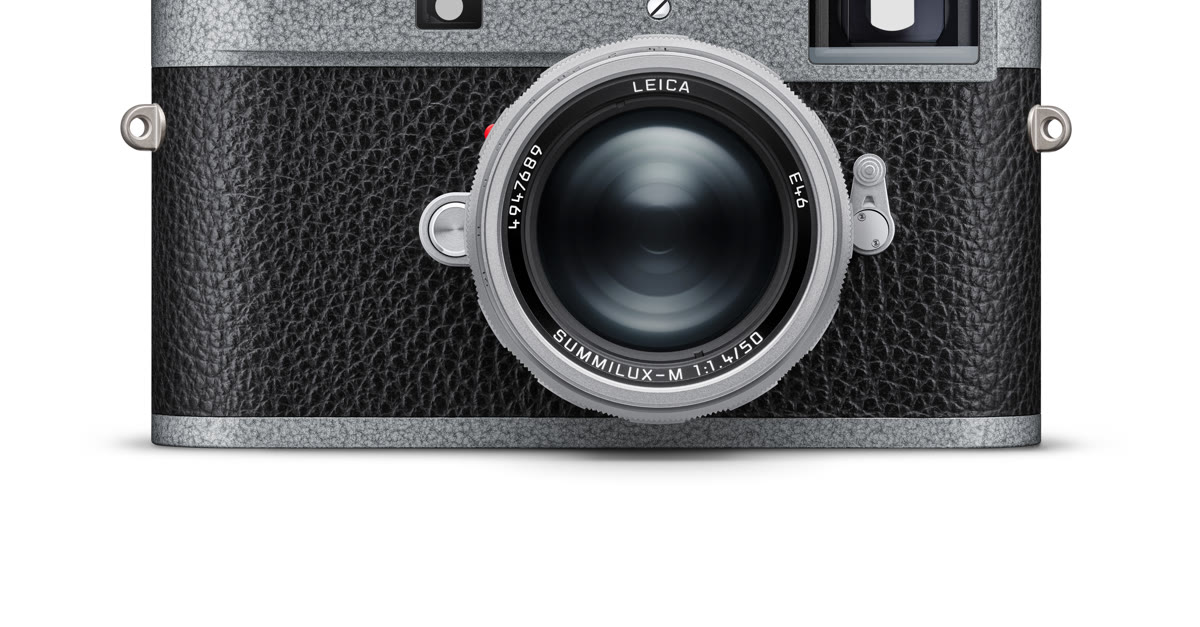
- DSLR or Mirrorless: You can use any camera with manual settings, including mid-to-high-end compact camera models.
- Tripod: It is essential to have a stable support for the camera to avoid any movement during shots.
- Remote Shutter Release: To avoid touching the camera during shots, it is advisable to use a remote shutter release or an automatic timer.
Once the camera is securely mounted on the tripod and you have found the desired composition, you can follow these simple steps:
- Set the exposure correctly: Make sure you have a balanced exposure for the scene.
- Take multiple shots in sequence: Take shots 2-4 seconds apart without changing the exposure settings. If the brightness of the scene changes during the sequence, you can adjust the shutter speed, but keep the same aperture and ISO for greater consistency in the effect.
- Use post-processing software: Load all the photos into editing software like Adobe Photoshop. Select "Load Files into Stack" from the File -> Scripts menu and check the boxes "Attempt to Automatically Align Source Images" and "Create Smart Object."
- Create the long exposure effect: Select Layer -> Smart Objects -> Stack Mode -> Mean. This process will combine the photos and create the long exposure effect.
If your camera supports the "Multiple Exposure" function, you can simulate long exposures directly in the camera. The operating mode varies from model to model, so be sure to consult your camera's manual to understand how to set it up.
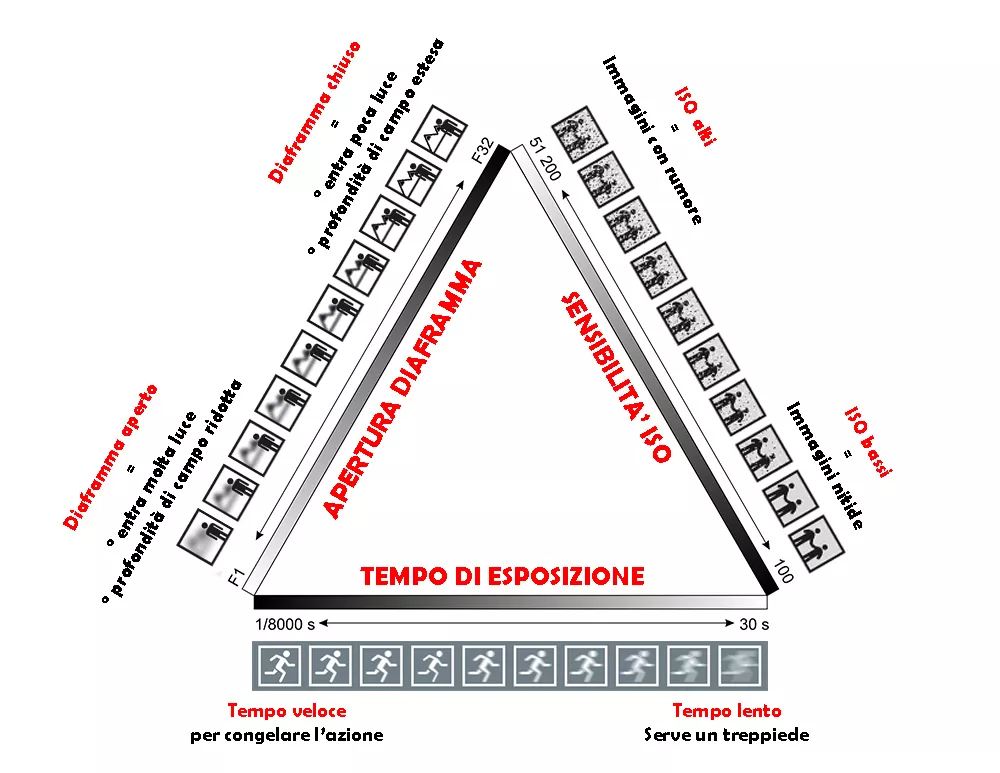
With this function, you can set the sequence of shots you want and the camera will automatically combine the images to achieve the desired effect. This method is particularly useful for capturing the movement of water or clouds, achieving results similar to long exposures.
Simulating long exposures without an ND filter may take some practice, but it is a creative way to achieve interesting results in your landscape photography. While ND filters offer optimal performance, these tricks can be useful when you don't have a filter available or want to experiment with new techniques.
Always remember to keep the camera stable using a tripod and a remote shutter release to avoid any unwanted movement during shooting. With a bit of patience and the use of editing software, you can achieve evocative and striking images that give the illusion of long exposures without an ND filter.