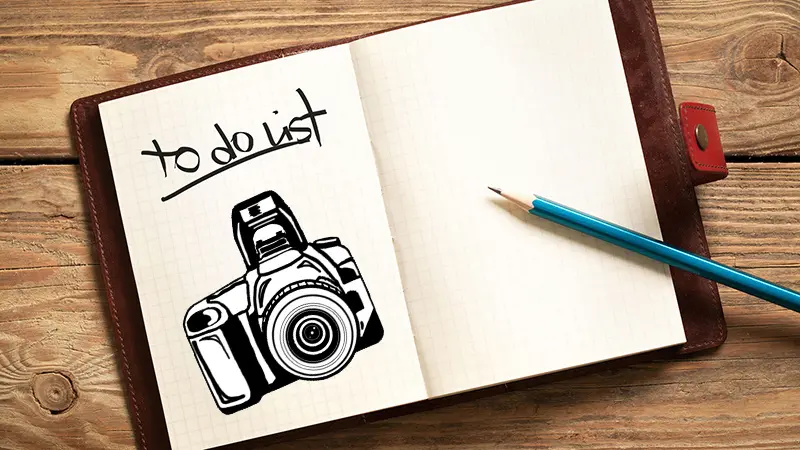
 The following list is a photography reminder to help you remember all the technical aspects of photography to keep in mind before starting a new photo session.
Your camera is a sophisticated tool with many customizable settings that can vary from time to time.
These 7 tips should help you avoid trivial mistakes that could compromise your photo outing. Let's look at them together:
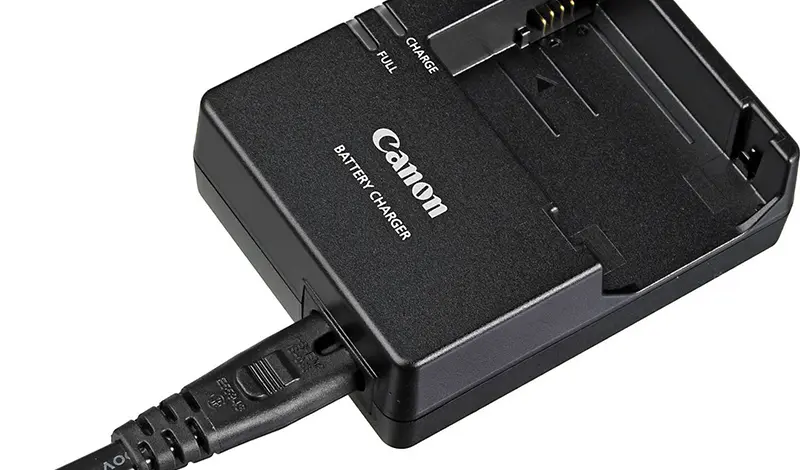
1) Have you charged the battery?
It may seem absurd but it's one of the first things people forget. Often you'll go out with a dead or nearly dead battery because you forgot.
Every time you take a shot, you'll be curious to see the image on the display to check if it came out well, but this operation requires a lot of energy from the camera and if the battery is low, you won't be able to do much. Therefore, to start with, I recommend that you buy a spare battery.
2) Have you formatted the memory card?
Before a photo outing and after downloading all your old shots to the computer, you must always, absolutely always, format the memory card of your camera. As with all technological devices, a malfunction is always possible.
In these cases, however, you risk losing images. Still, you can minimize the risk with good maintenance. Format the card through the camera's dedicated menu before each use and after making sure you have downloaded the old shots.
To deepen the topic, I recommend reading lesson 7 of the free photography course which deals exclusively with memory cards.
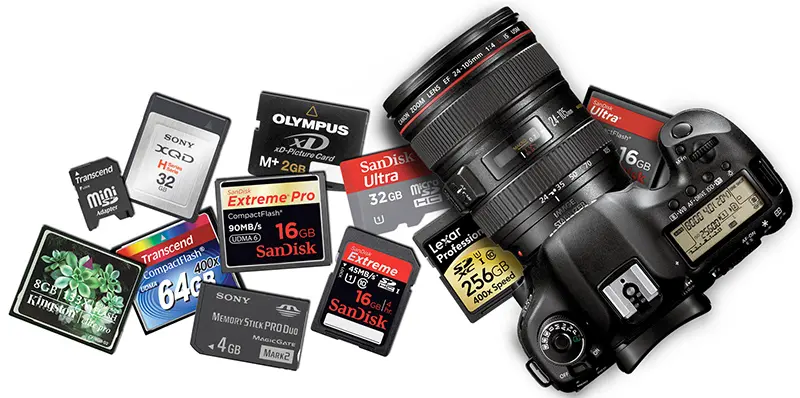
3) Do you have enough memory on the memory card?
One of the advantages of the pre-digital era was the ability to get a new roll of film in almost every store.
It's true that nowadays memory cards are large enough to take several hundred photos, but I strongly recommend that you buy more than one, both for space reasons and to avoid the possibility that a memory card might stop working for some strange reason.
Make sure you have enough when you leave for a vacation in the Caribbean or some other remote location in the world, where buying a new memory card could be a problem!
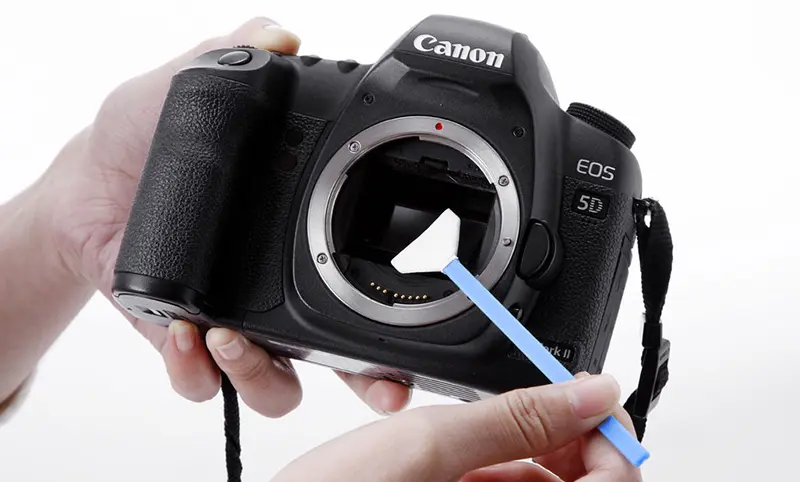
4) Have you cleaned the sensor?
If you are used to frequently changing the lens, there is a chance that dust clinging to it will create black spots or streaks that will then appear in your files. This is especially possible if you forget to turn off the camera before performing the operation.
If the sensor is not cleaned thoroughly, it could become damaged. Visit your camera manufacturer's website and follow their advice on how to clean and maintain it.
One way to avoid cleaning it often, however, is to keep the camera facing downward while changing lenses. This way, it is less likely that dust will settle on the sensor.
5) Have you checked your sensor's sensitivity (ISO)?
I often find myself going out without checking this setting and start shooting with a very high sensitivity, left that way from the last time I shot in poor lighting conditions where I had to keep a high ISO.
Try to keep the value ISO as low as possible, since higher levels produce more "noise" (an unwanted and clearly visible graininess in the image). The rule is: the lower the ISO, the higher the image quality (as long as lighting conditions allow it). Always remember this setting, which is often forgotten!
6) Have you set the white balance?
At this stage, at least make sure your camera is set to automatic white balance, because in most cases this will produce an acceptable result.
If you want to delve deeper into the use of white balance, I recommend reading the 19th lesson of the free photography course where we talk exclusively about this.
7) Have you chosen the right file format (JPG, RAW)?
Personally, I shoot ONLY in RAW but this means having to process the images once downloaded to the PC before printing or saving them.
For now, focus only on the JPG format and make sure your camera is set to produce the highest JPG quality. In your camera, you can choose different types of JPG files, so obviously pick the best one. It would be absurd to have a quality camera and produce low-quality images!
It's true, if you reduce quality, you increase the number of photos that can be stored on the memory card, but at this point, let's go back to point 3: buy more memory cards but always shoot at the highest quality!
If you want to explore the topic of choosing the right file format, I recommend reading the 11th lesson of the free photography course where I talk in depth about the difference between RAW and JPG files.

I hope this reminder helps you avoid mistakes the next time you go out to take photographs. Don't worry, it will take some time before you remember all these things to do, but you'll see that sooner or later they will stick in your mind and you won't miss a shot! Good light to everyone.
If you liked this article, I kindly ask you to share it, thank you!