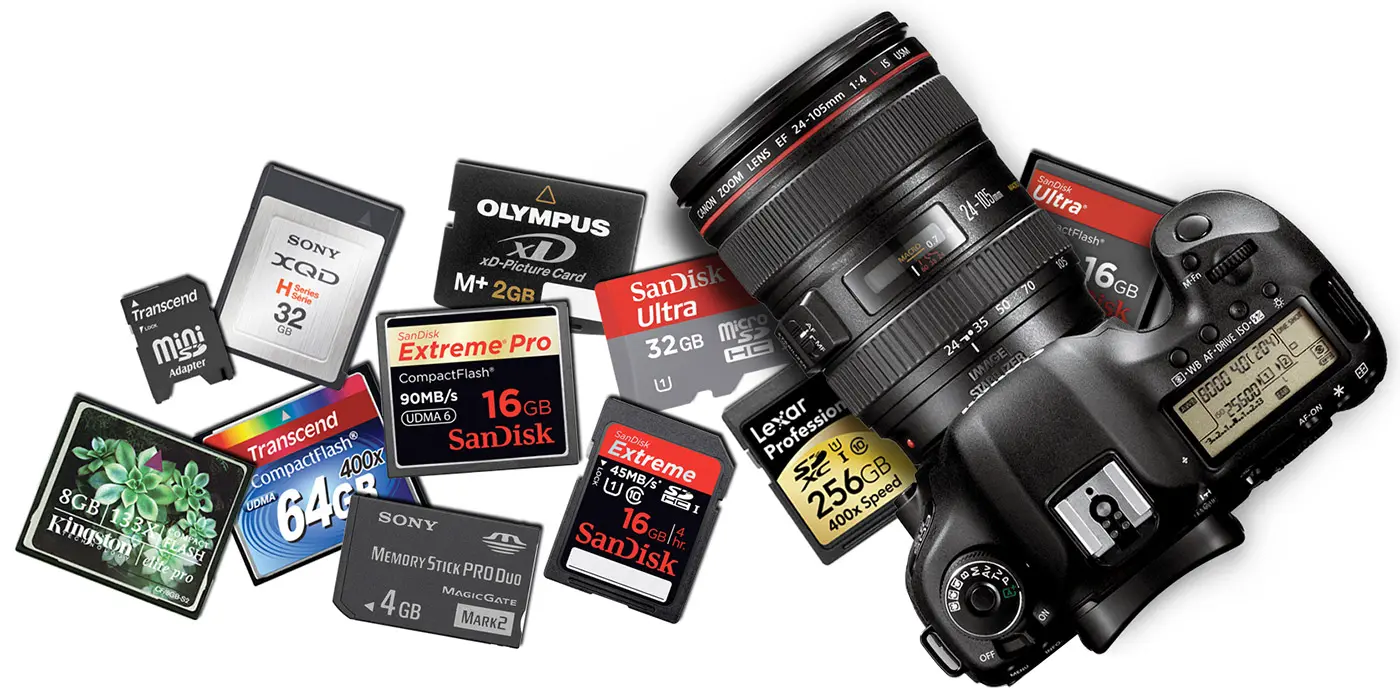
These cards are to be considered the evolution of the old floppy disks that were used in the past to exchange files between different computers. Unlike the latter, the cards have 2 main advantages:
1) They are not affected by magnetic fields.
2) They have enormous data storage capacity and very small size.
Just think that today, the smallest memory card on the market is hundreds of times more capacious than an old floppy disk!
But let's get back to talking about this 7th lesson where we will obviously focus on the memory cards to use in our camera, we will clarify how they work, the different types on the market, and the various classes they belong to.
How do they work?
Do you remember the 4th lesson where we talked about how the sensor of our camera works? Good, let's start from there! The signal coming from the sensor (CCD or CMOS) is processed by the image processor and sent to the memory card which records a file containing the captured image. But how is it possible to store data on these cards?
Memory cards contain inside them a flash memory. This memory is made of semiconductors, is non-volatile and rewritable, meaning it has the characteristics of RAM but its data does not disappear when powered off. Thus, flash memory stores data bits in memory cells, but the data is retained when the electrical power is interrupted.
Types of saved images
On the market, we find cameras that can store different types of images, but the most common ones found on almost all cameras nowadays are: JPG and RAW.
We will dedicate an entire lesson to this topic; just know that JPG images are compressed files that, before being saved, are processed and compacted to reduce the final file size, with the consequent risk of losing details, highlights, or colors in the saved image.
RAW images, on the other hand, are files without any compression, so they are much larger in size but contain all the details captured during the shot! Needless to say, I strongly recommend shooting in RAW...always!
Types of memory cards
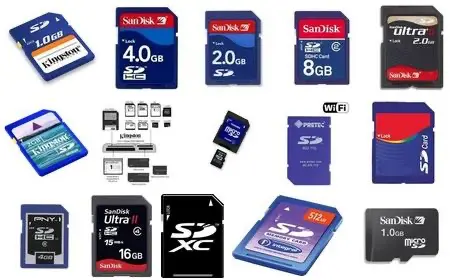
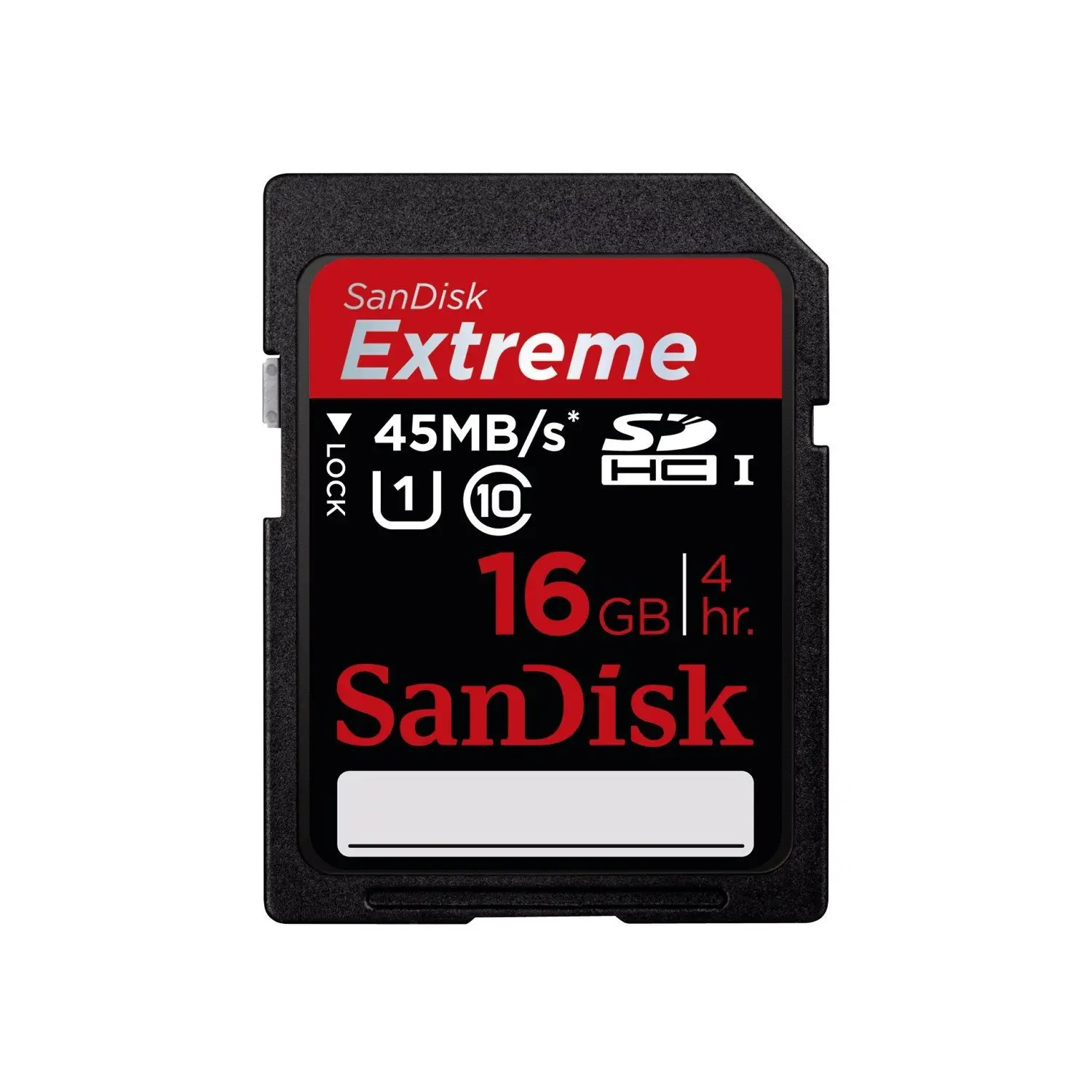
Currently, there are different types of memory cards on the market; the rapid spread of related technological products has meant that no standard type has yet been established for these storage devices. Without listing all the various types of memory cards, know that 95% of cameras use SD (Secure Digital). These SD cards, in turn, are divided into 3 different types depending on their storage capacity:
SD Cards – maximum capacity 2 GIGA
SDHC Cards (SD High Capacity) – capacity from 4 to 32 GIGA
SDXC Cards (SD Extended Capacity) – from 64 to 128 GIGA but soon will go even beyond.
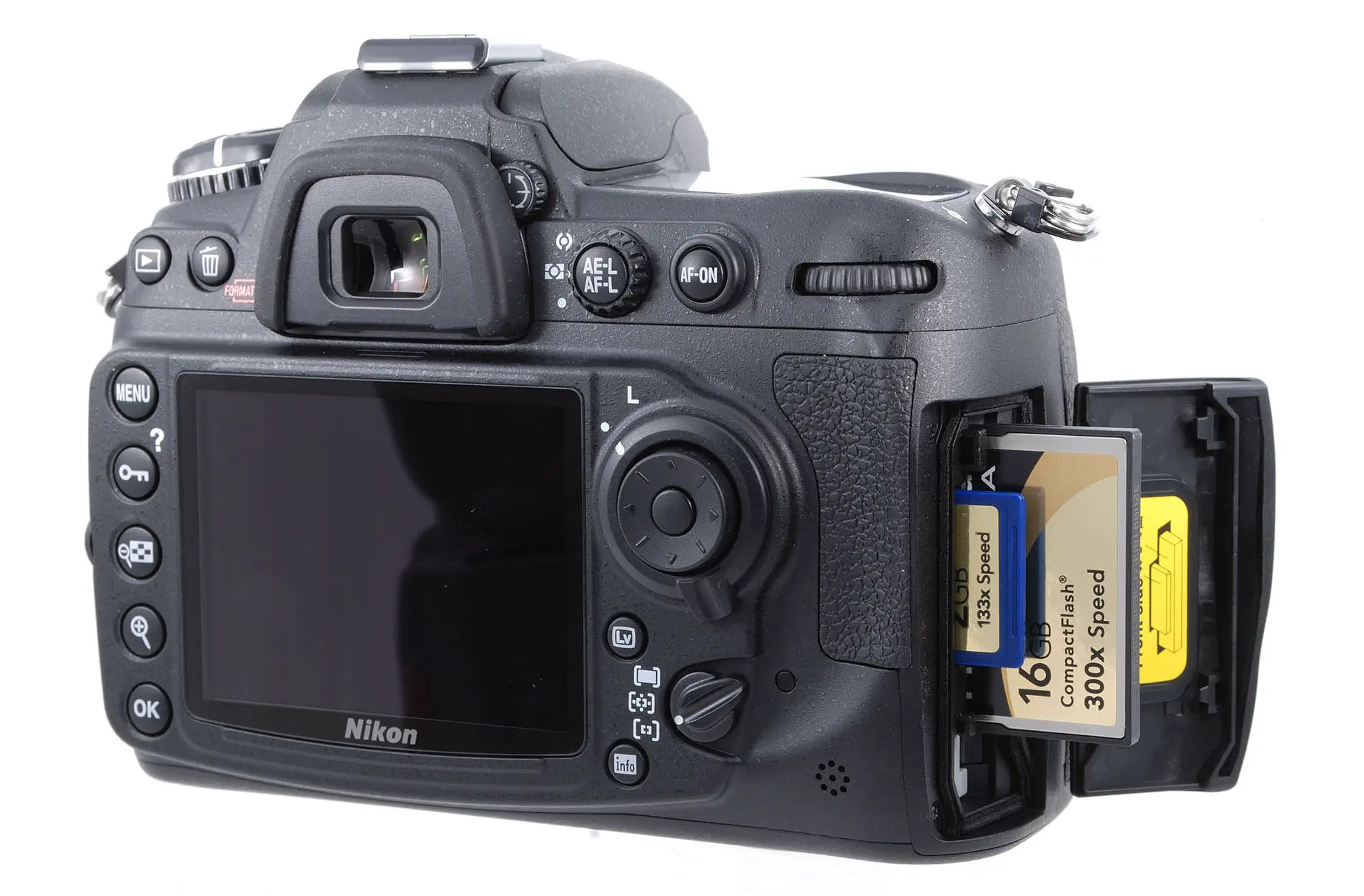
In some high-end DSLR cameras, it is possible to find slots for 2 memory cards to use one after the other or, alternatively, one as a copy of the other depending on your preference. Usually, these 2 cards are of different types: one SD and one compact flash (see image below)
Classes of membership
Another important factor to consider when choosing a memory card is the speed at which data is read and written on it. So we talk about classes of membership.
To date, there are 6 types of classes of membership. In the image below you can see the differences in speed MINIMUM guaranteed for each class. Obviously, the higher this value, the faster the card will be at storing the image.
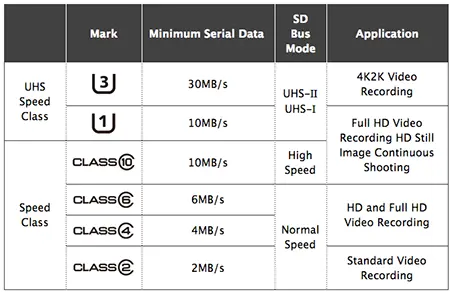
This value is very important to consider if you will be taking sports or nature photos because you will often find yourself shooting in “burst” a series of images. The most advanced cameras can shoot up to 10 photos per second! If your memory card is not fast enough at storing data, you will find yourself unable to shoot in burst mode and you might miss the right moment!
Obviously, as with size, the higher the class of membership, the higher the price of the card.
Useful tips
As I have already mentioned to you in this article, I strongly recommend buying several smaller memory cards rather than just one very large one. This is because if you go on vacation and the card breaks, you are stuck! It's always better to have 4-5 small cards and you can be sure that even if one breaks, you will always have replacement cards with you.
As for the size of the card to buy, you need to evaluate how many images you need. Keep in mind that on an 8 GB card, installed on a 22-megapixel DSLR, you can take 105 photos in RAW format and about 1000 in JPG format. I have 2 cards of 16 GB and, shooting only in RAW, I have about 420 photos available which is more than enough for what I need to do!
Also for the class rating, as mentioned above, it depends on what you need to photograph. The higher the class, the better. Obviously, if you don't need to do anything special and don't require speed, you can save money by buying a card with a low class rating.
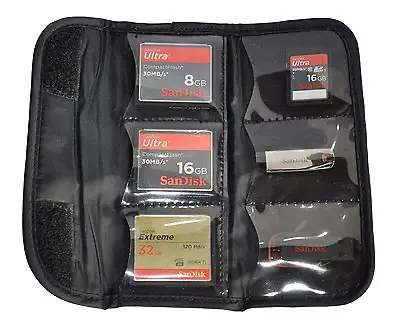
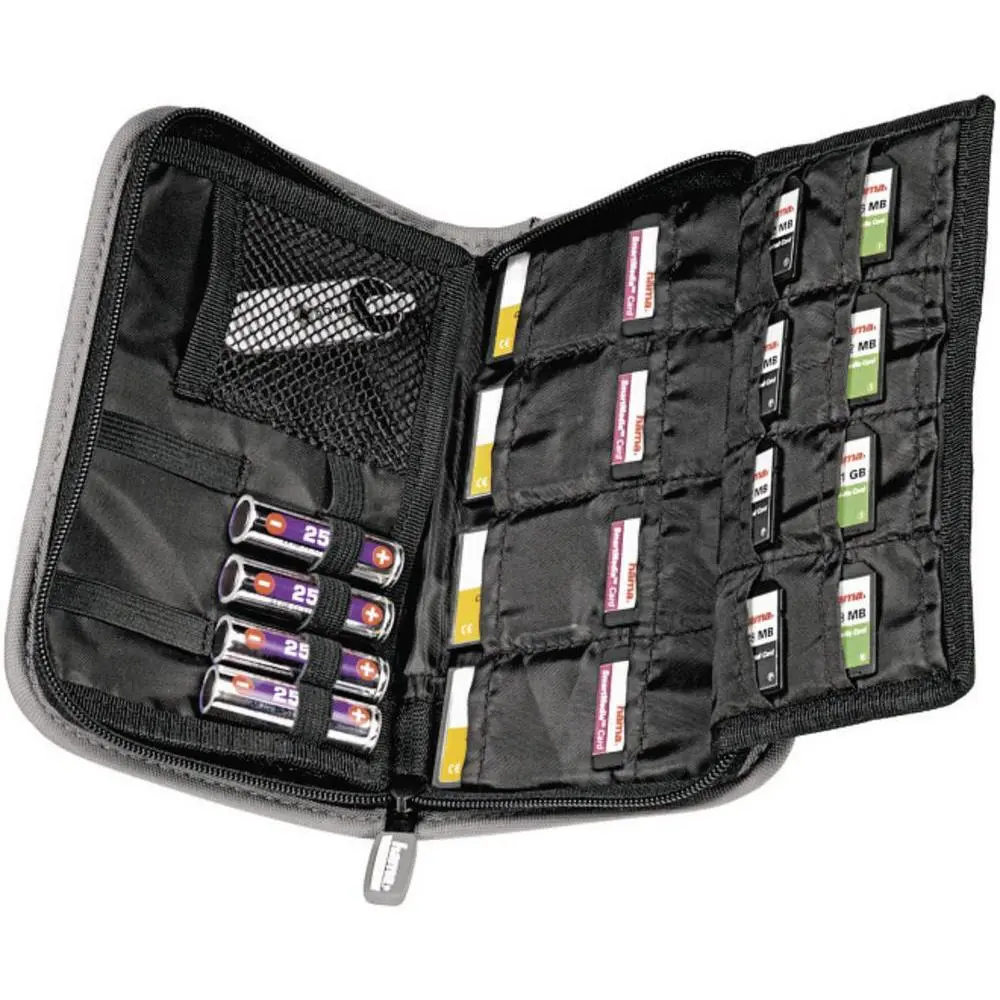
Since the cards are very small and can easily get lost, there are really practical and portable card holders available on the market. Also remember to number your cards and format them every time you use them.
  |
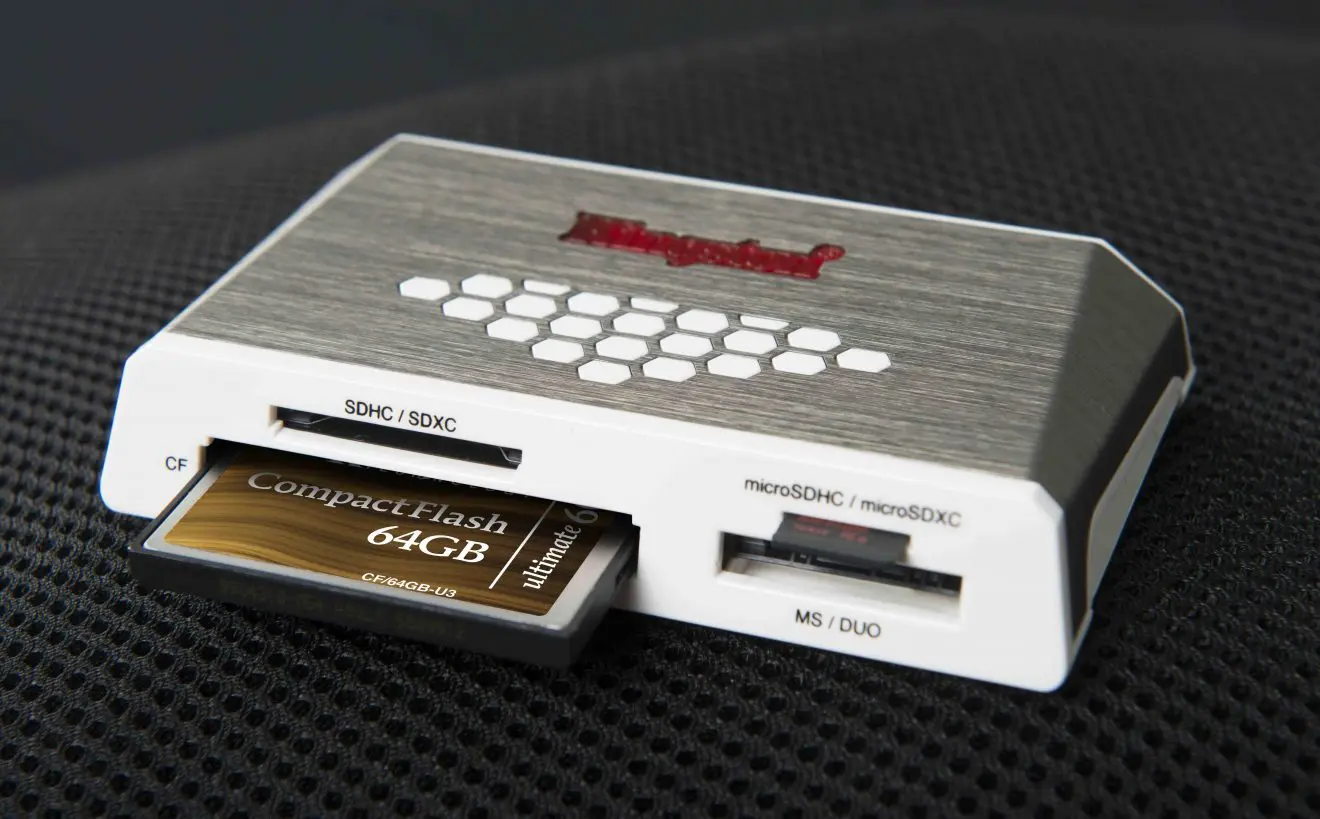
For a few euros you can also buy a handy card reader that will help you download the memory cards to a computer so you can reuse them.
If you missed the previous lessons, go to this link to see the index of all the lessons.
In the next lesson we will talk about the FLASH!