 Let the images be sharp! This is not always easy to achieve a good result! The goal of every photographer is to obtain sharp images. This does not mean that a blurred image is ugly or wrong, but if the out-of-focus effect is not intentional, then yes, we have made a mistake!
Especially if you are a beginner and dealing with camera settings, this can be a challenging goal to achieve.
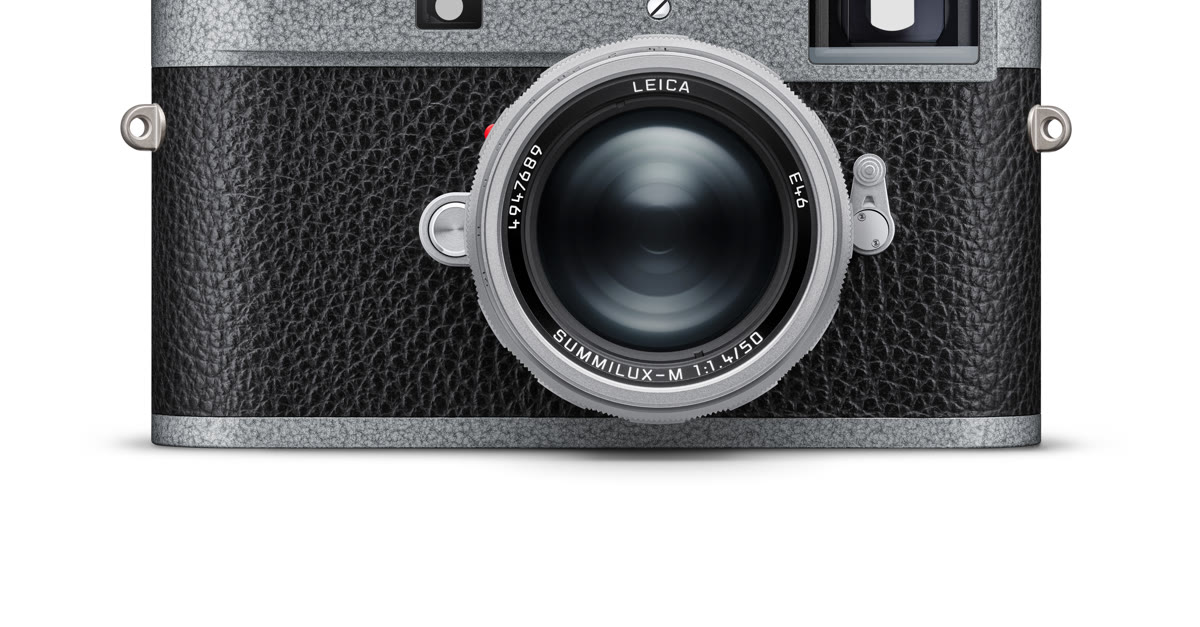
So here is the first tip, or rather tip "0", which applies not only to inexperienced photographers: know your camera. Reading the manual is important when handling any device, but this is even more true for a camera, where uncertainty about how to get the best performance can lead to disappointing images.
We have already seen some tips that will allow you to get sharp images (here and here). Now let's look at some good habits on how to always get sharp images.
Select the maximum number of AF points
Every digital camera has a certain number of AF points, which are used by the camera to lock focus. If the camera allows it, you can let the camera use all AF points or reduce them to a specific number like 11, 9, or even one point.
Keeping all focus points active helps minimize the use of the technique of “focus and recompose the image”.
1-point AF
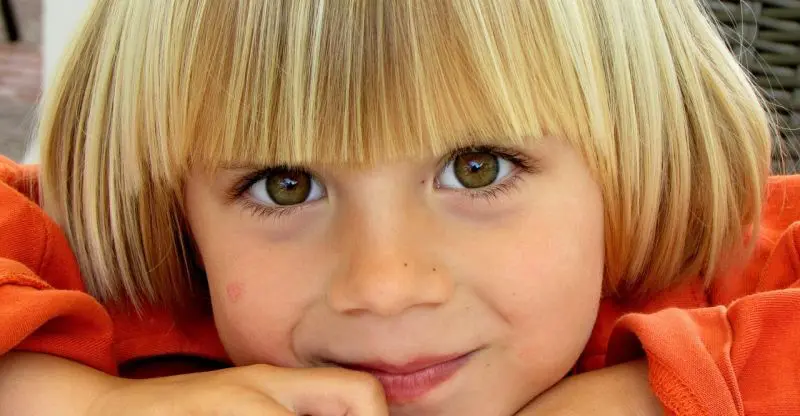
In portrait photography, the detail that must always be kept in focus is the subject's eyes. If you leave the camera to focus on the subject automatically, it can easily be fooled and end up focusing on the nose or chin: the camera does not know it should focus on the subject's eye.
For this reason, it can be useful to manually select the focus to 1 AF point on the eye of the subject, thus preventing the camera from autonomously choosing an incorrect focus.
Focus button on the back
In some conditions, it can be useful to assign one of the buttons on the back of the camera the task of “focus button”. Sometimes it is not advisable to use the shutter button halfway to focus the image, for example if you are in burst mode or if some time passes between when you try to focus on the subject and the actual shot.
In such conditions, you achieve focus by pressing the button on the back rather than halfway on the shutter button, allowing you to lock focus without having to hold down the shutter button.
Using shutter priority
If you are a nature, action, or sports photographer, there may have been times when you failed to freeze the subject's movement. Also, if shooting in low light conditions, you may have experienced blur in your photos. Make sure to use the camera in Shutter Priority mode.
The basic rule for setting shutter speed is 1 / (2 × focal length). For example, with a 50mm lens, the speed to set is 1/100 sec (1 / (2 × 50) = 1/100). In the worst cases, if the lens supports image stabilization, you can reduce the shutter speed by 1-2 stops. Using Shutter Priority mode ensures the camera uses a specific shutter speed that minimizes image blur.

If you want to freeze the movement of a moving subject, you can set a high shutter speed of 1/2000 second and let the camera adjust the aperture accordingly.
Take backup shots
Take more shots than you think are necessary: better to come home with more images (hopefully sharp) than risk having blurry pictures. For this reason, always make sure you have a large memory card and possibly spare cards!