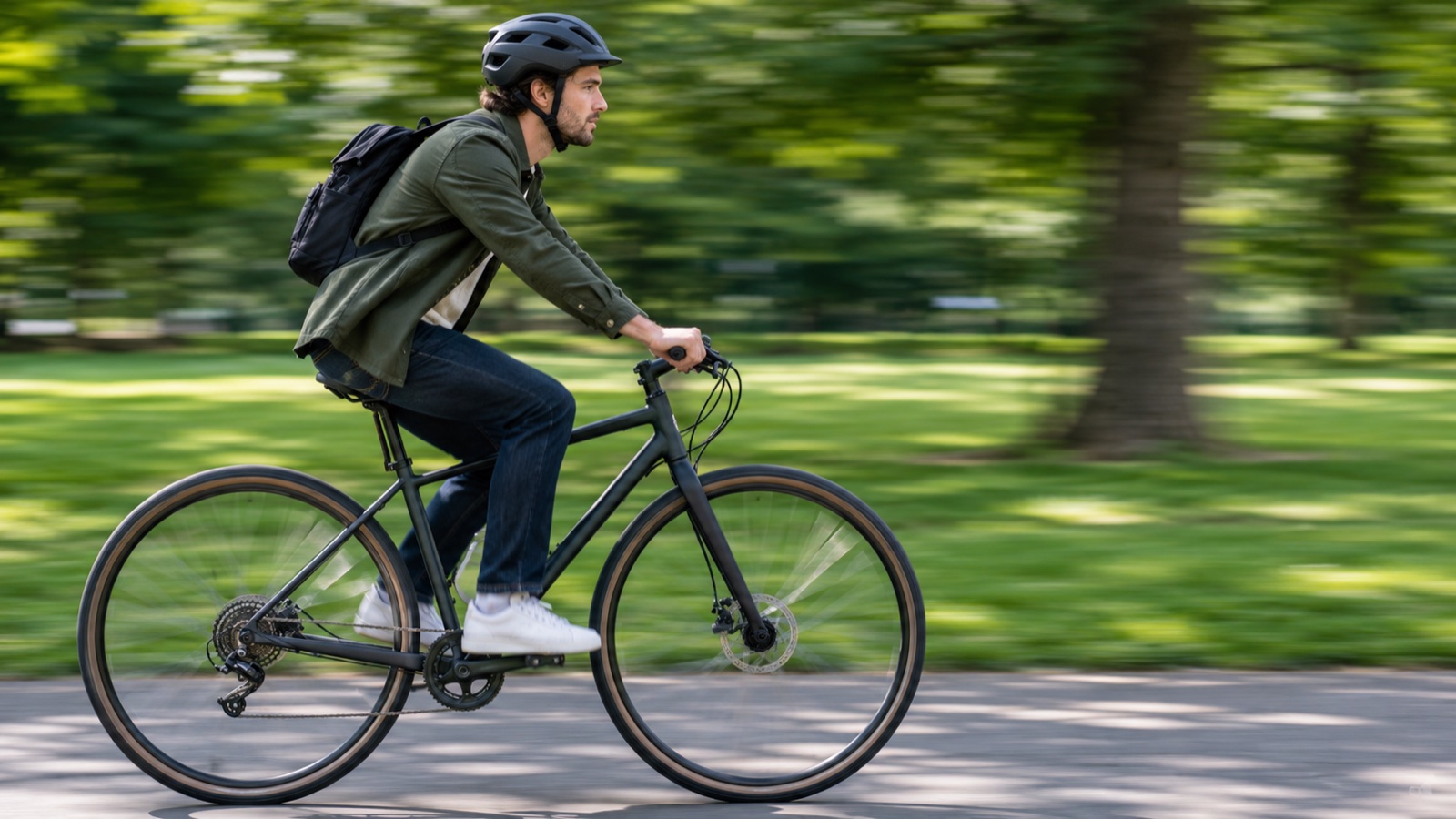
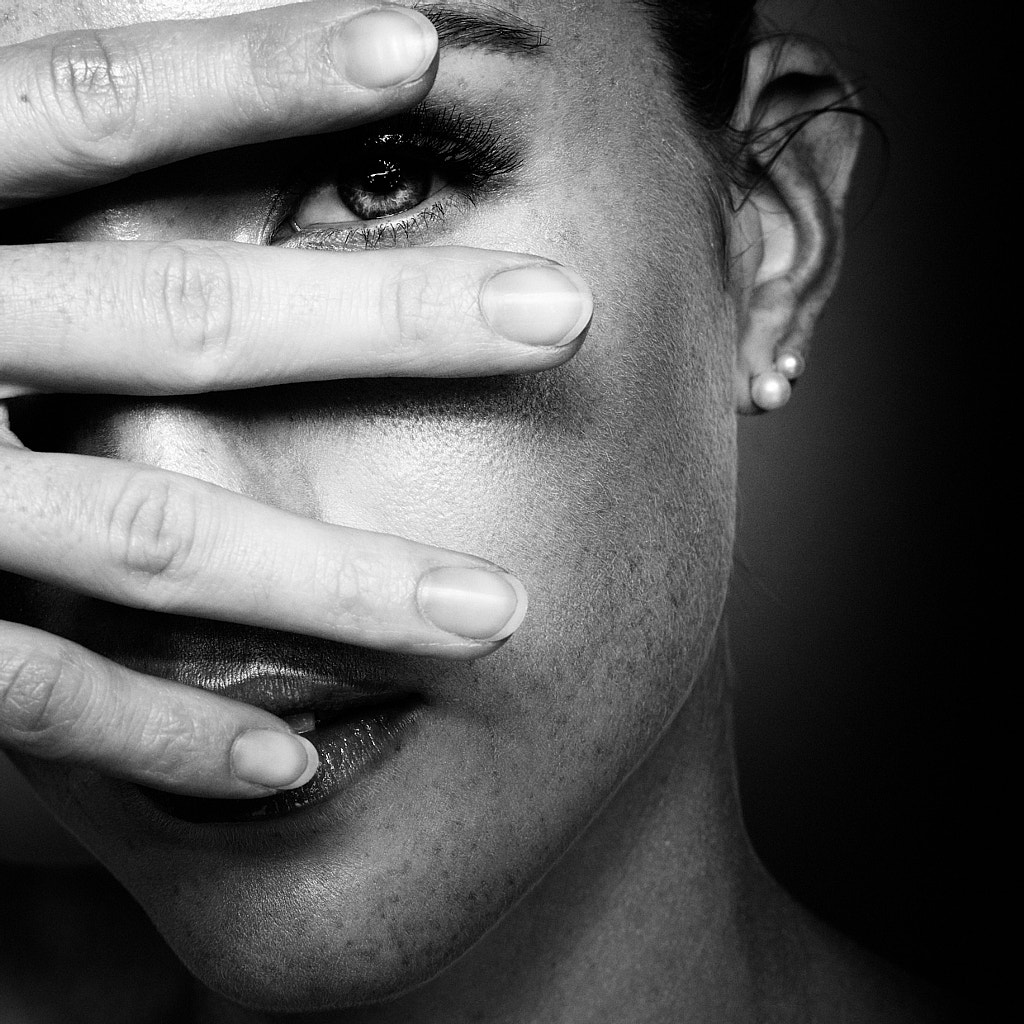
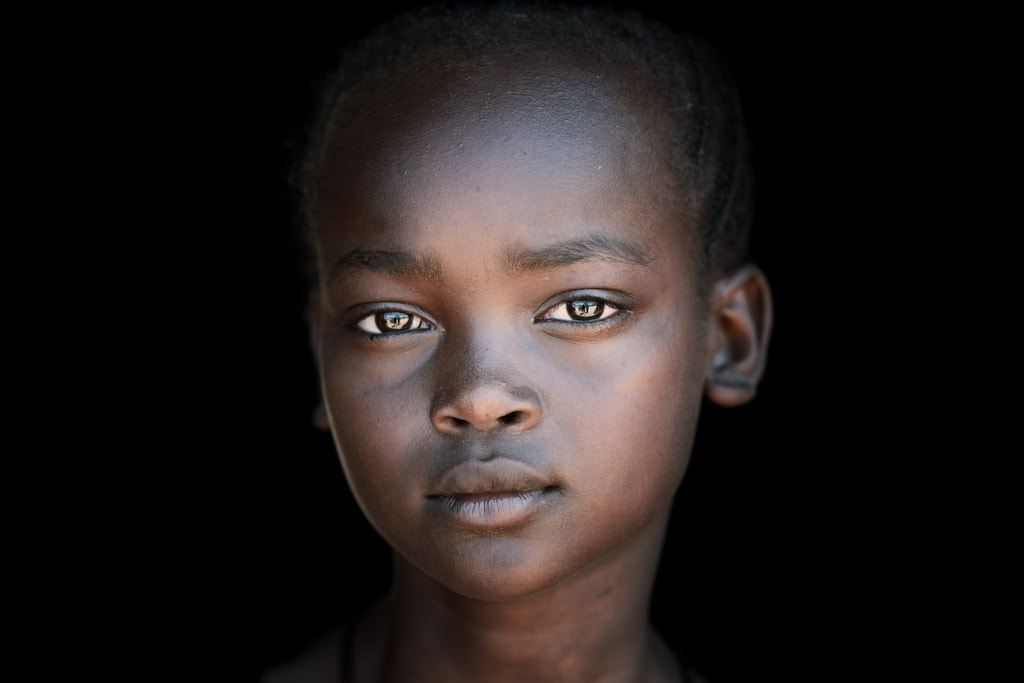
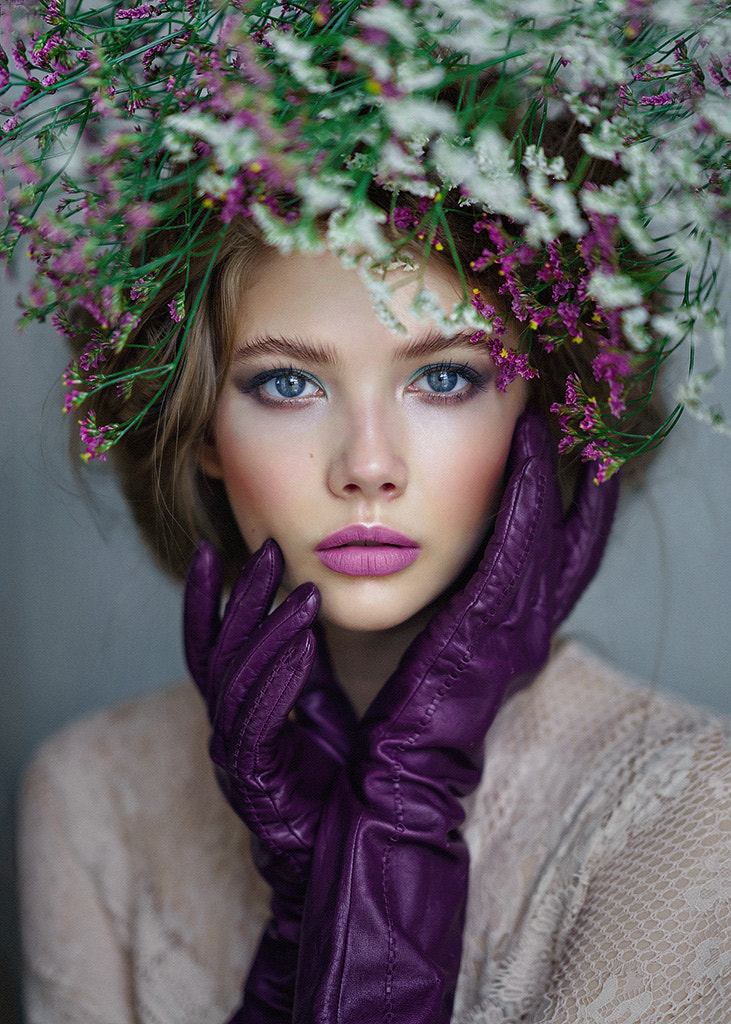
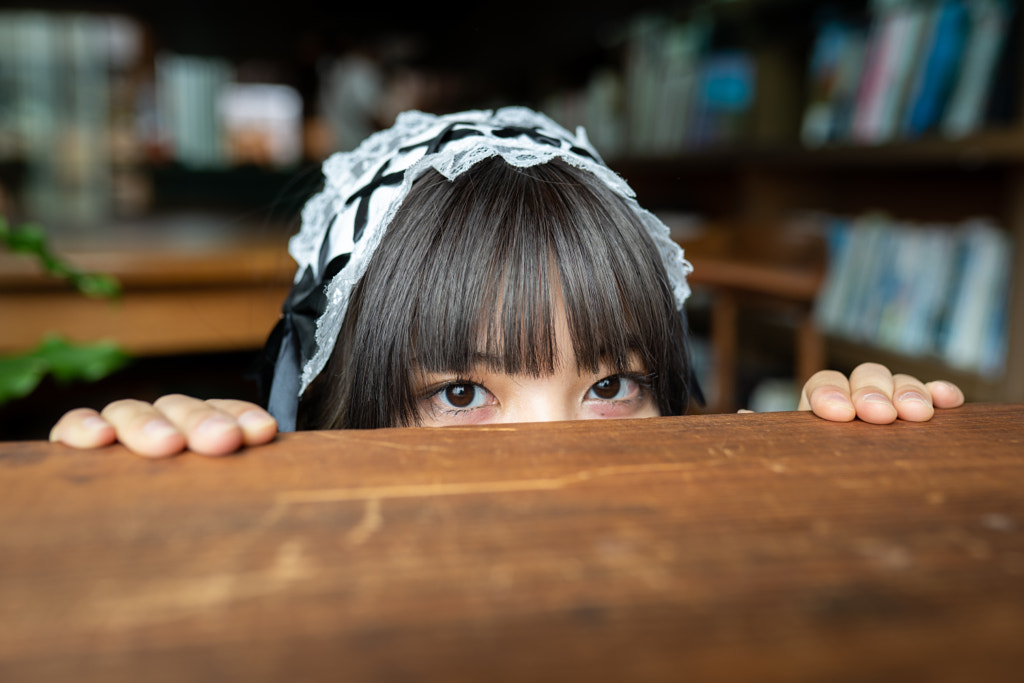
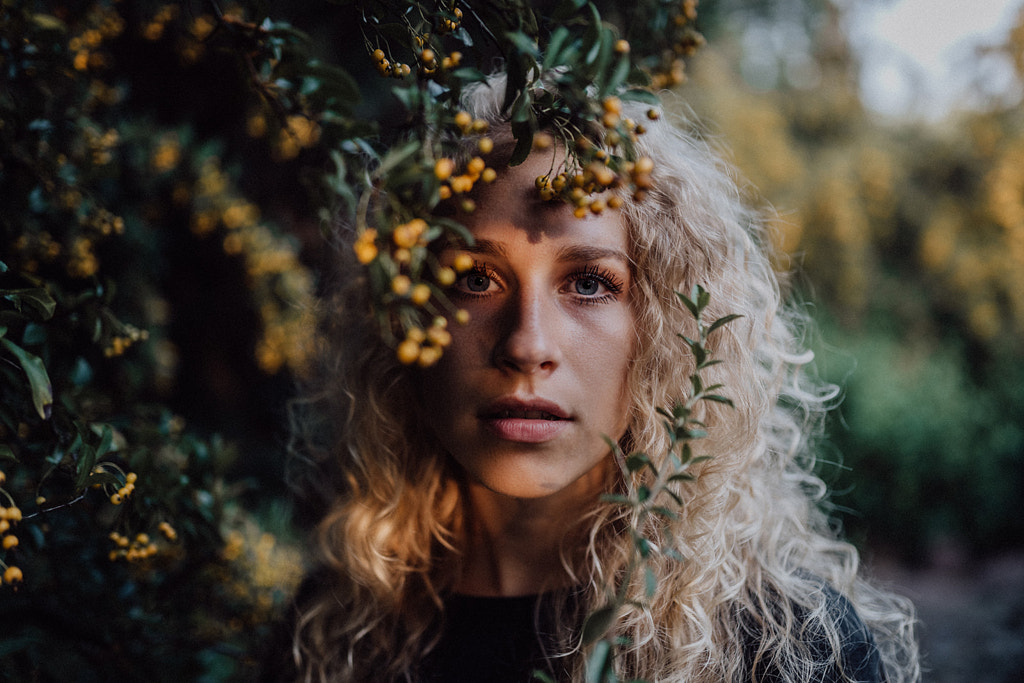
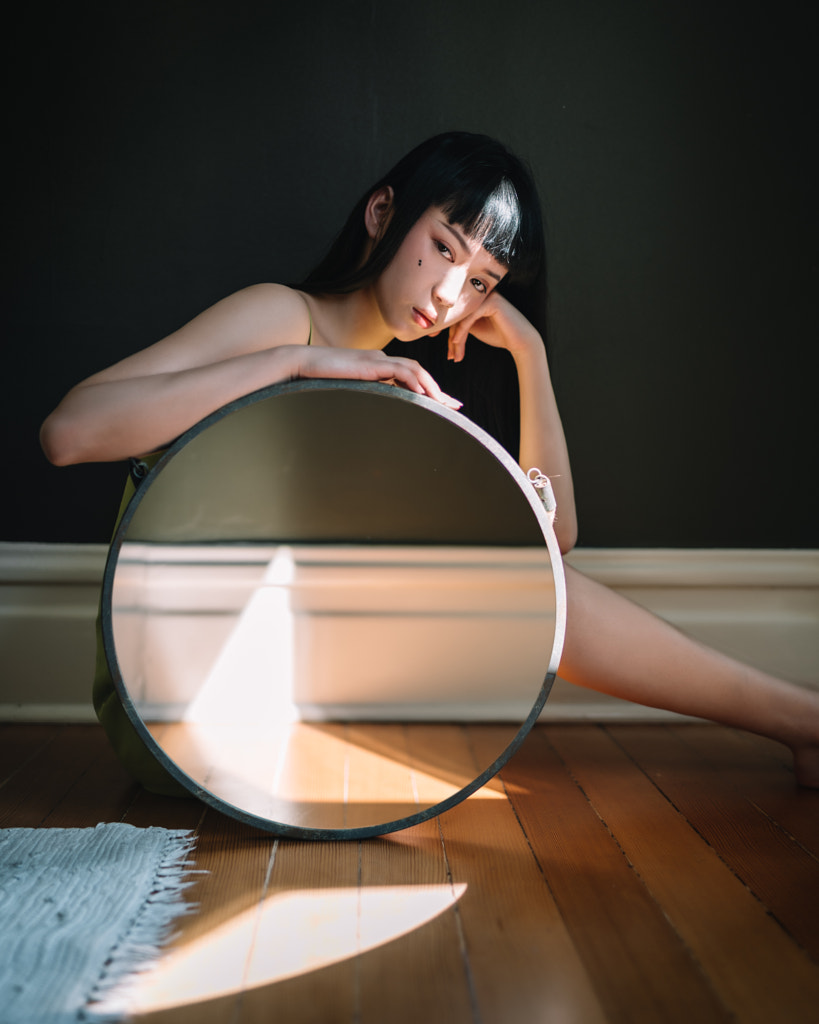
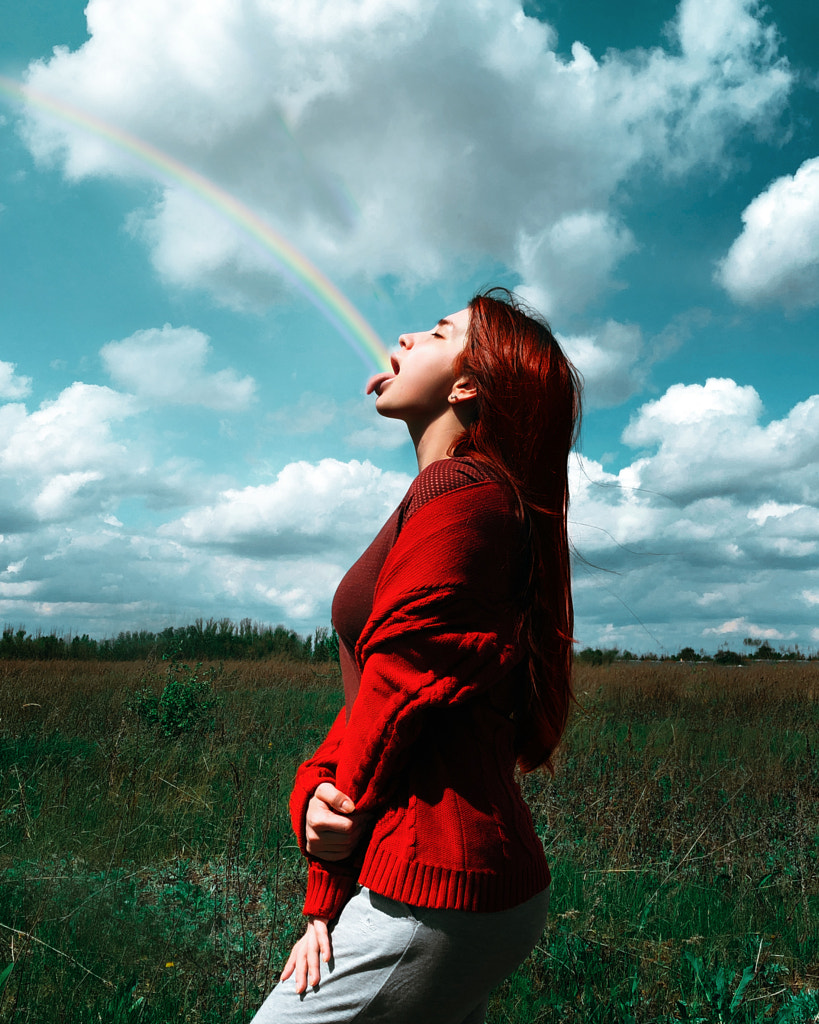
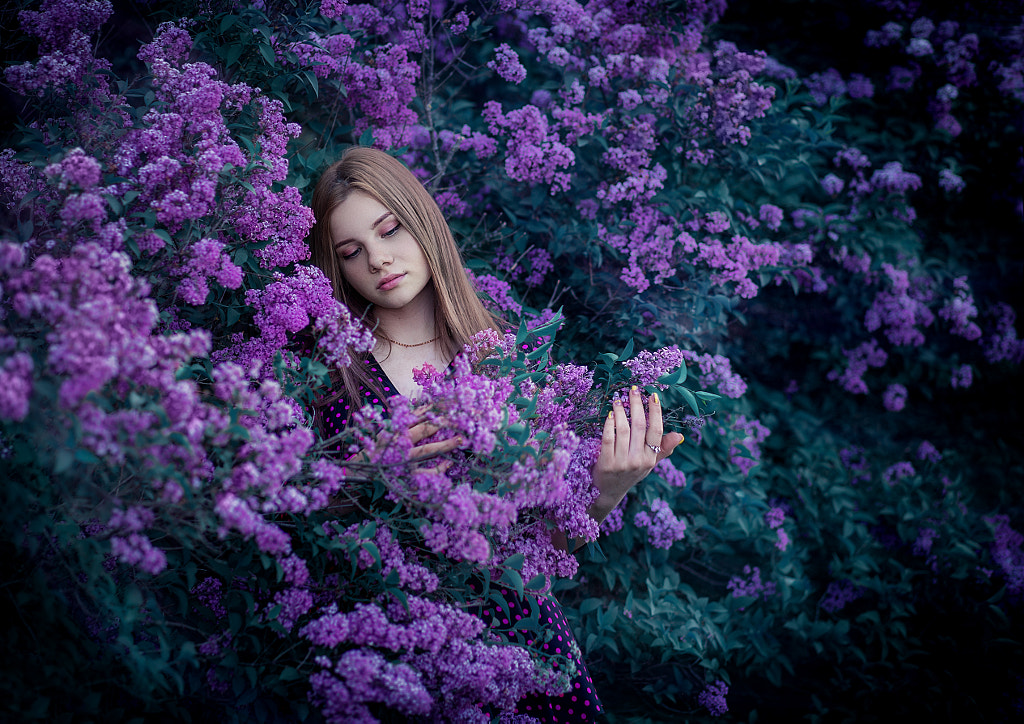
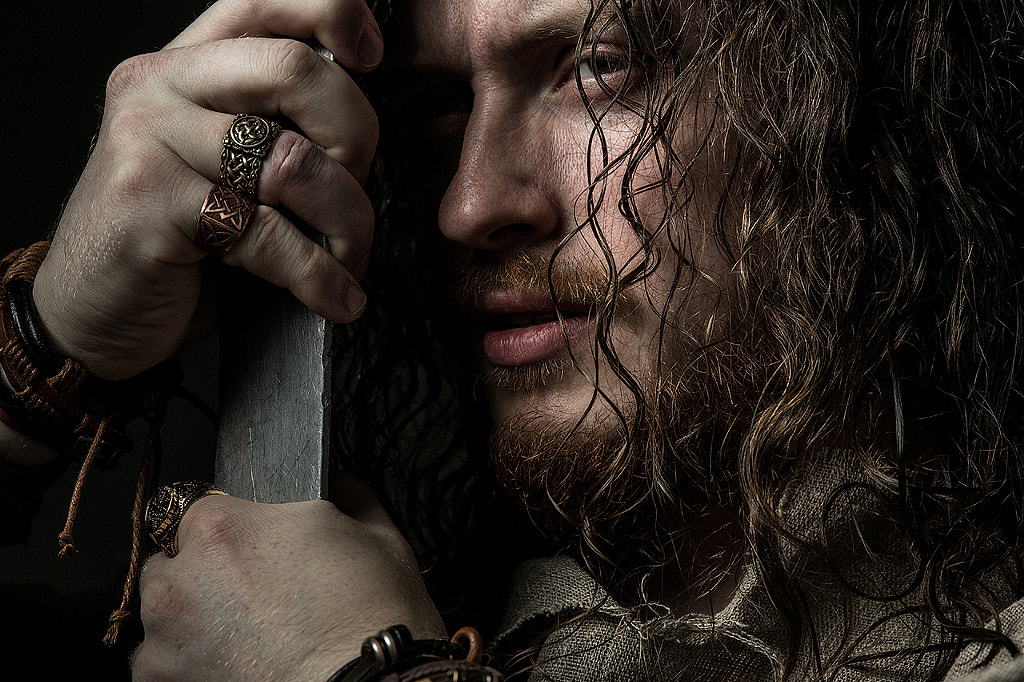
The portrait photography is one of the most fascinating photographic genres because, more than others, it manages to capture emotions. In portrait photography, you should not just take a photo of the subject in front of you but try to capture the subject's emotions to then "tell" them to the viewer who looks at the final shot.
To do this, besides technical skill in taking the shot and choosing the right location, a rather rare ability is needed: knowing how to put the subject at ease we have in front of us and then easily overcome that "wall" that naturally forms between them and our camera.
In portrait photography, as in all genres, technique is very important but it is the relationship created with the subject that will make your portrait much more interesting by bringing out all the naturalness possible in the person you are capturing.
Your relationship with the subject should begin long before the shutter is released and continue even after the photo session. The best portrait photographers are masters at engaging their subjects. It is not easy, but do not underestimate the power of a personal connection with your subject in order to achieve a much better portrait.
Below are other quick tips to achieve good results in portrait photography:
Use a lens with a long focal length
Professional portrait photography They usually suggest using a lens with a long focal length, at least 85mm, preferably 100mm or more. Many fashion photographers almost always use a 70-200 telephoto zoomed to 200mm. Unlike a wide-angle lens, a telephoto does not distort facial features, which is definitely not appreciated by our subject.
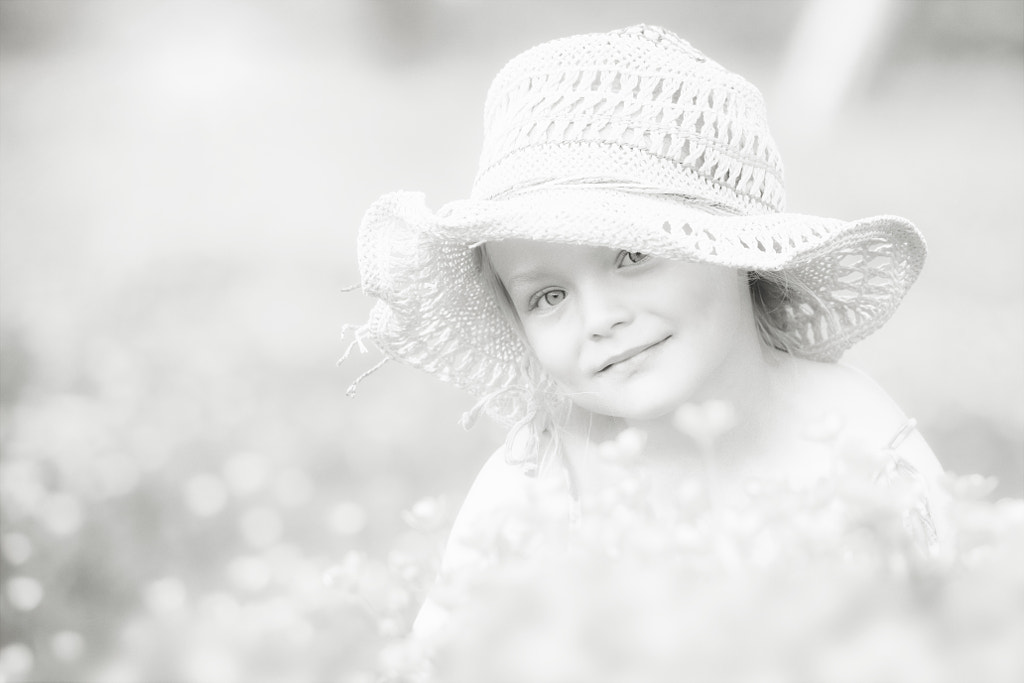
Lenses with a long focal length also blur the background of the image more, giving greater importance to your subject. Even with an inexpensive KIT lens, with an aperture of F/5.6 at 200mm you can achieve this effect; an expensive lens is not necessarily required. However, be careful to always keep your subject in focus, otherwise the blurred background will lose its significance.
Use a very wide aperture
In photographic portraits, using a very wide aperture with an aperture of f/1.2 or f/1.4 (if your lens allows it), not only will it let a lot of light into the camera, reducing shutter speeds and consequently motion blur, but it will also minimize depth of field, creating a pleasant “bokeh” effect where the background is completely blurred, making the subject stand out.
Just be careful what you focus on because with a very wide aperture the depth of field is limited to just a few centimeters! Always focus on the eye closest to you.
Simplify the background
In portrait photography your subject is the sole and main element of the photograph; everything else only creates distraction. Every time you find yourself shooting a portrait, always consider how and where to position it so that there are as few things as possible in the background. You don’t need to look for a white wall, which would probably be banal anyway; just try not to include too many elements. Your subject is the protagonist, not the environment around them. In this case, the motto “less is more” absolutely applies.
If you want to deepen your knowledge of portrait photography and get many more tips on how to improve your shots, I recommend reading the article "Photographic Portraits: 30 Tips to Improve Them", one of the most read articles on Camera Nation.
Cover photo by: Nonsap Visuals (unsplash.com)